Unbinding a Virtual MFA Device
다운로드
포커스 모드
폰트 크기
Scenarios
You can unbind your virtual MFA device when you no longer require two-step verification or need to replace the MFA device. This document guides you through the process of unbinding a virtual MFA device.
Attention:
After you unbind the MFA device, MFA verification for the account during login and operation protection will be automatically disabled. Proceed with caution.
Operation Steps
Attention:
If you need to replace your MFA device, first unbind the current device by following the steps below. Then, bind a new MFA device. For details, see Binding a Virtual MFA Device.
If you need to unbind MFA for your sub-account, contact the root account user (or a user with administrative permissions) to configure it in CAM.
1. Log in to the Tencent Cloud console and go to the Security Settings page.
2. In the Account Protection module, locate the virtual MFA device you need to unbind and click Unbind.
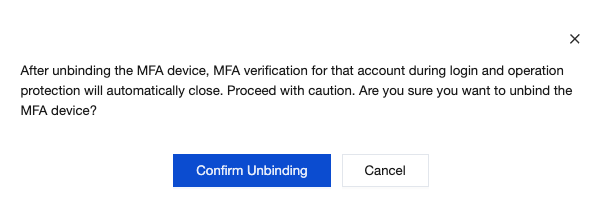
3. In the pop-up dialog box, click Confirm Unbinding.
4. In the Identity Verification window that pops up, enter the 6-digit dynamic security code to complete the unbinding.
피드백