Group Management
Baixar
Modo Foco
Tamanho da Fonte
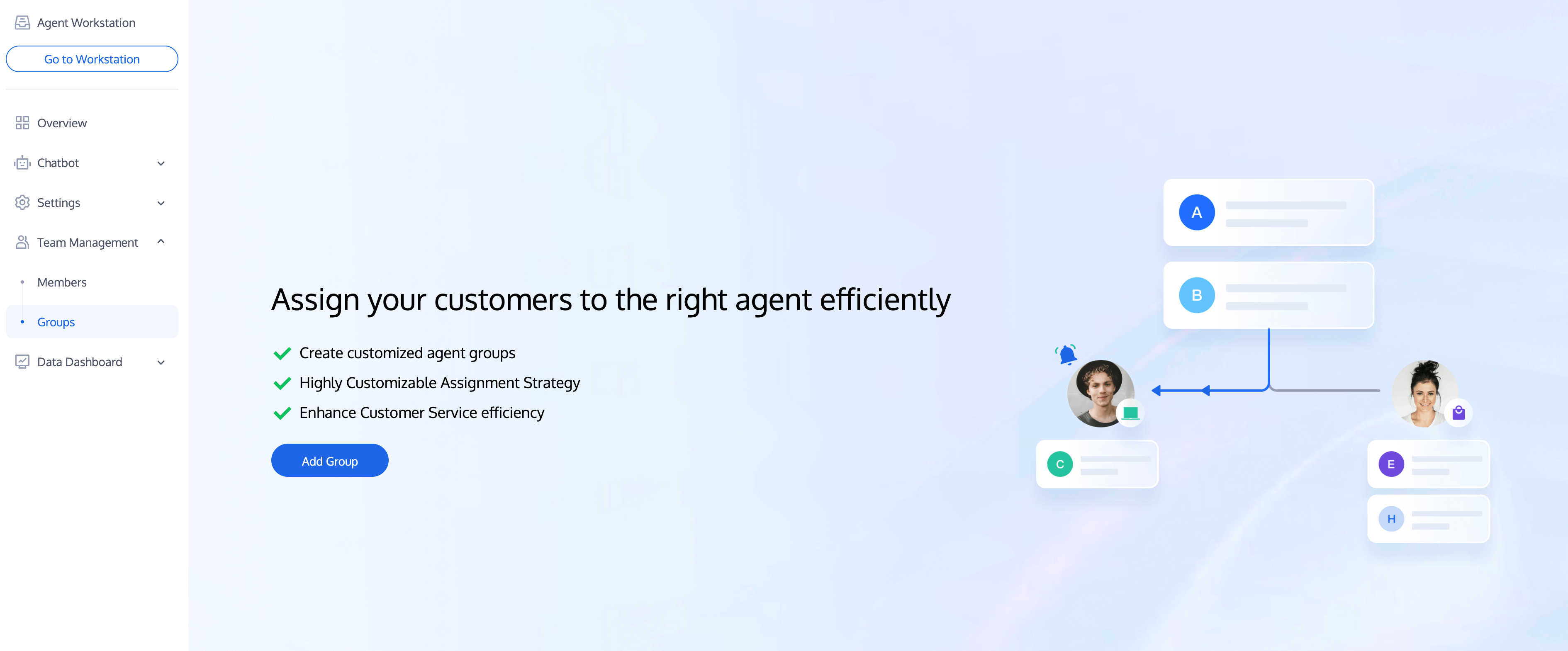
Businesses can create and manage multiple agent groups through the group feature under team management. Based on a customized allocation policy, you can quickly assign users to the appropriate agent team to enhance service efficiency.
Add a Group
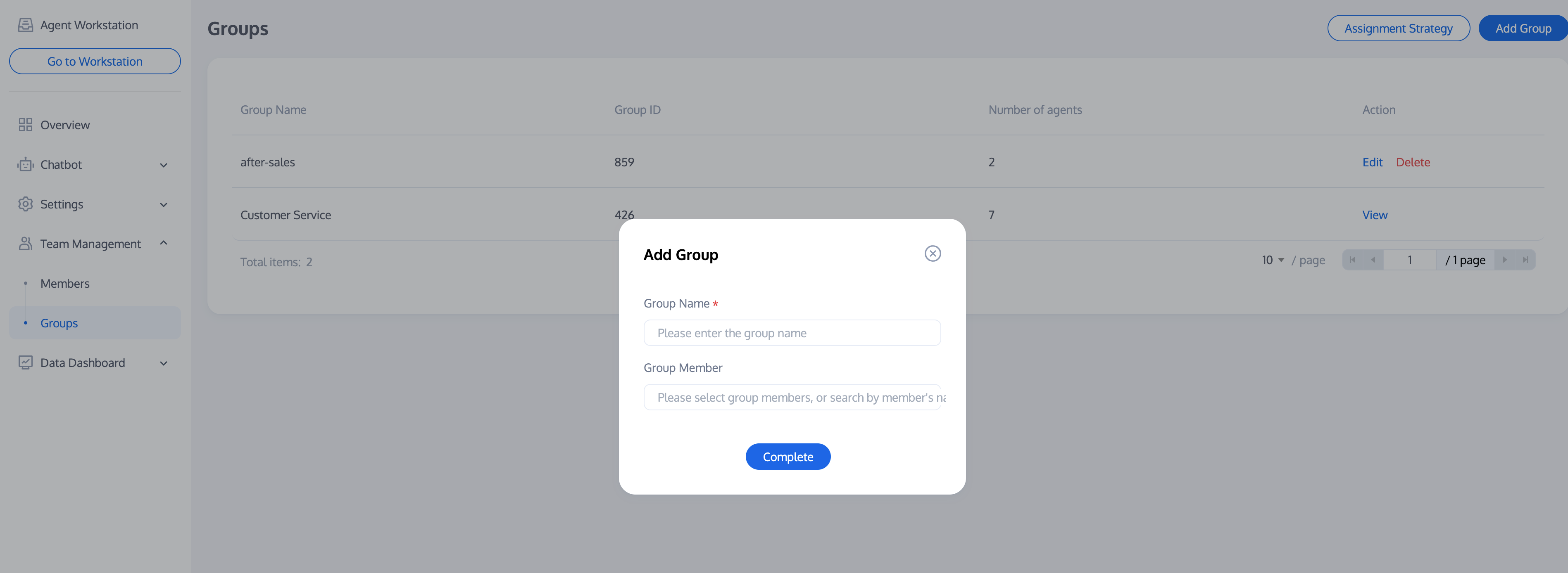
1. Directly access management console. Click team management in the left sidebar to enter the group page, and click Add Group.
2. Fill in the group name and choose to add corresponding members.
Editing a Group
Click Edit in the operation column of the target group to modify the group name and group members.

Deleting a Group
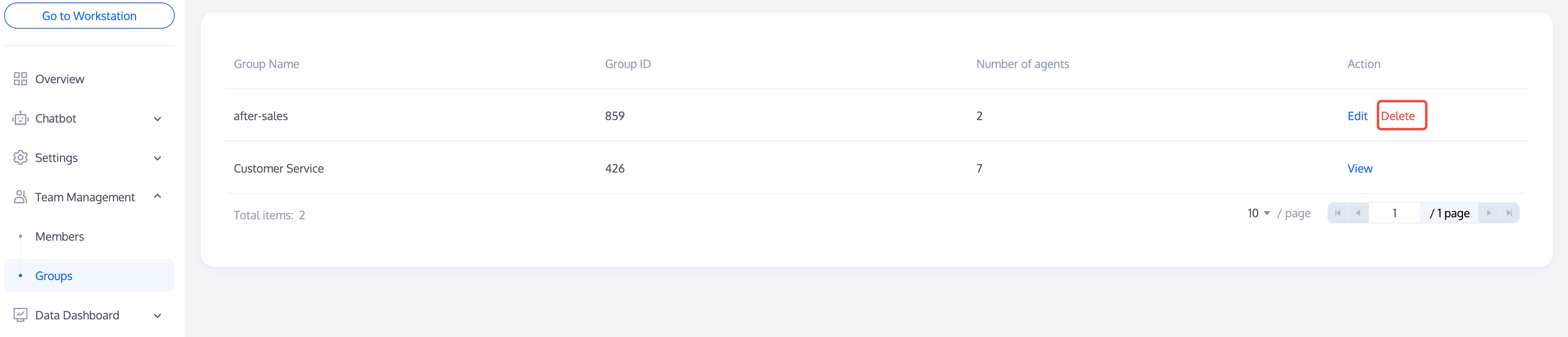
Click Delete in the operation column of the target group. The group information will be lost after deletion.
Group Policy
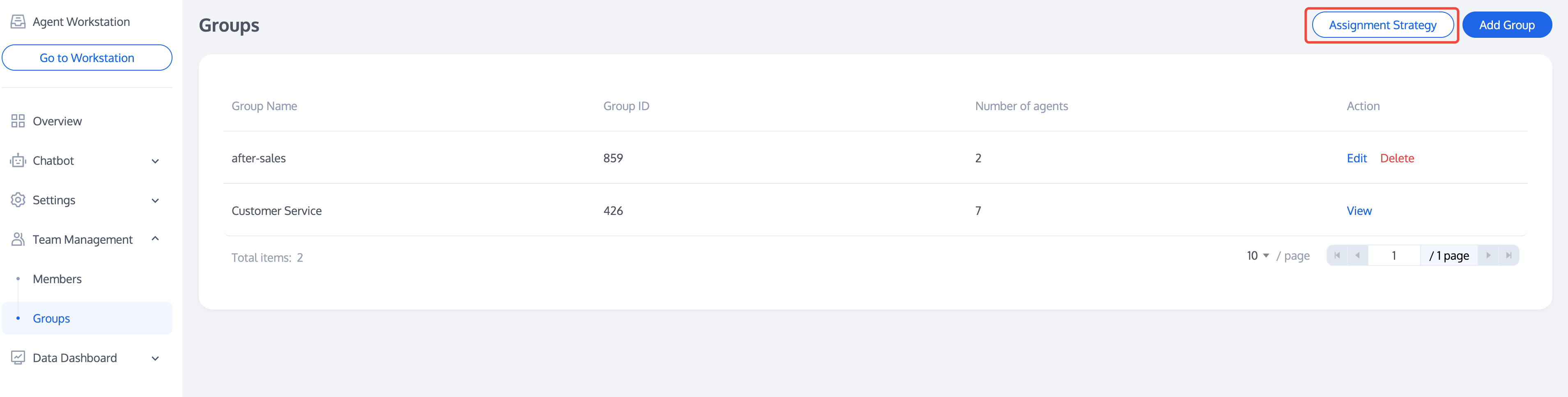
After completing the addition/editing of a group, please click Assignment Strategy to configure the allocation policy for the group you created. For allocation policy settings, please see Assignment Strategy.
Ajuda e Suporte
Esta página foi útil?
Você também pode entrar em contato com a Equipe de vendas ou Enviar um tíquete em caso de ajuda.
comentários