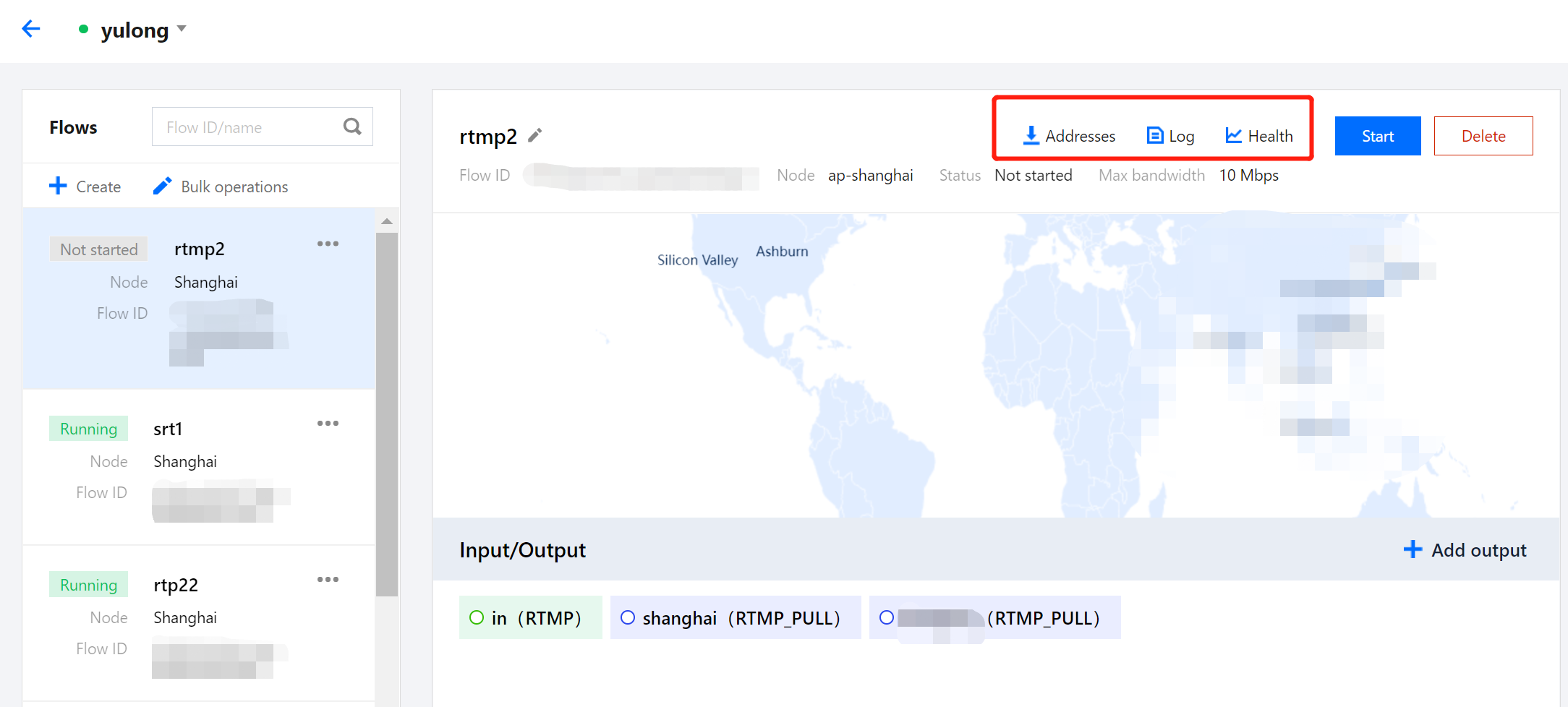
In the StreamLink console, on the details page of a flow, you can click the buttons in the top right to view the addresses, log, and health information of the flow.
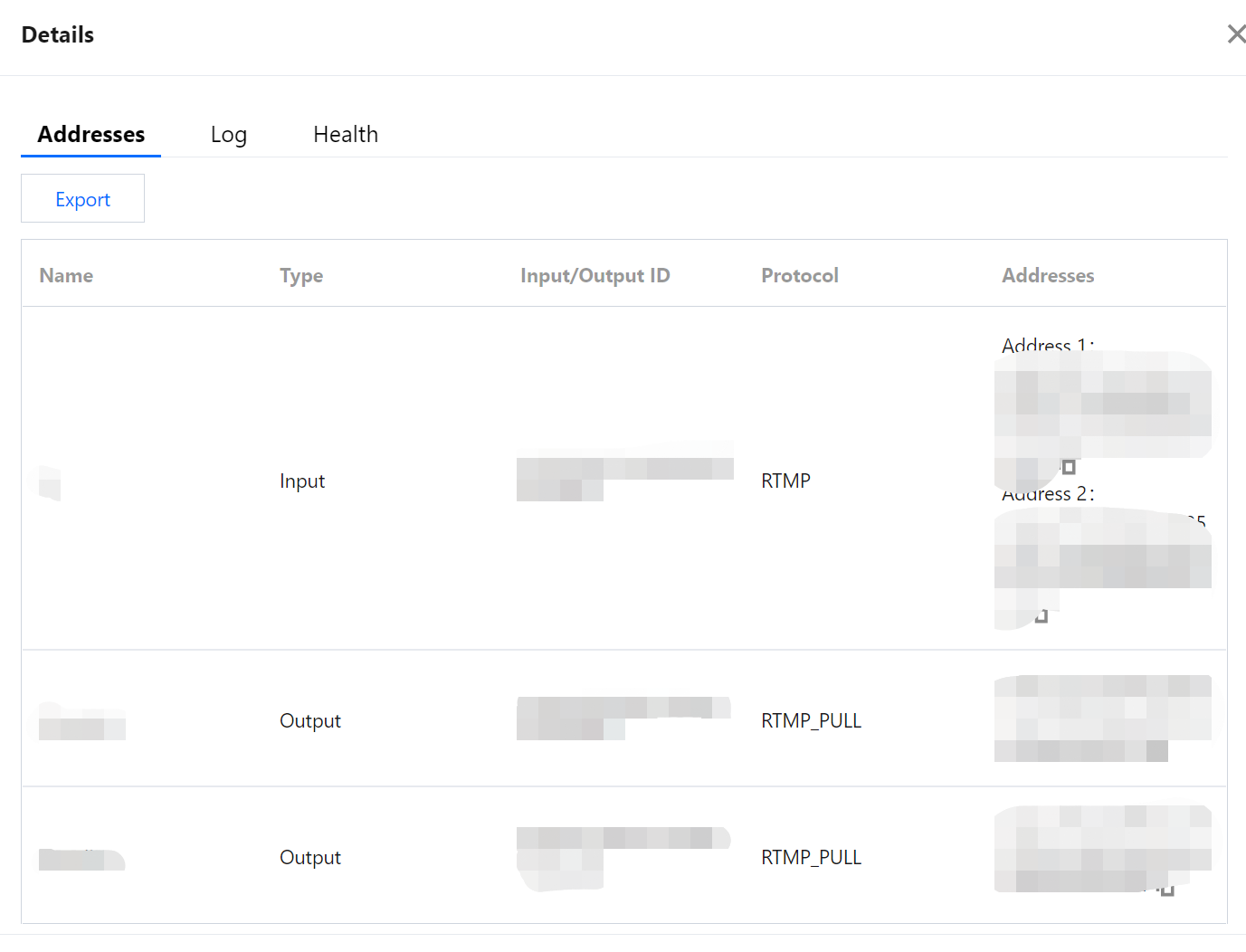
Click Addresses to view the input/output name and addresses. You can copy the addresses and export the information.
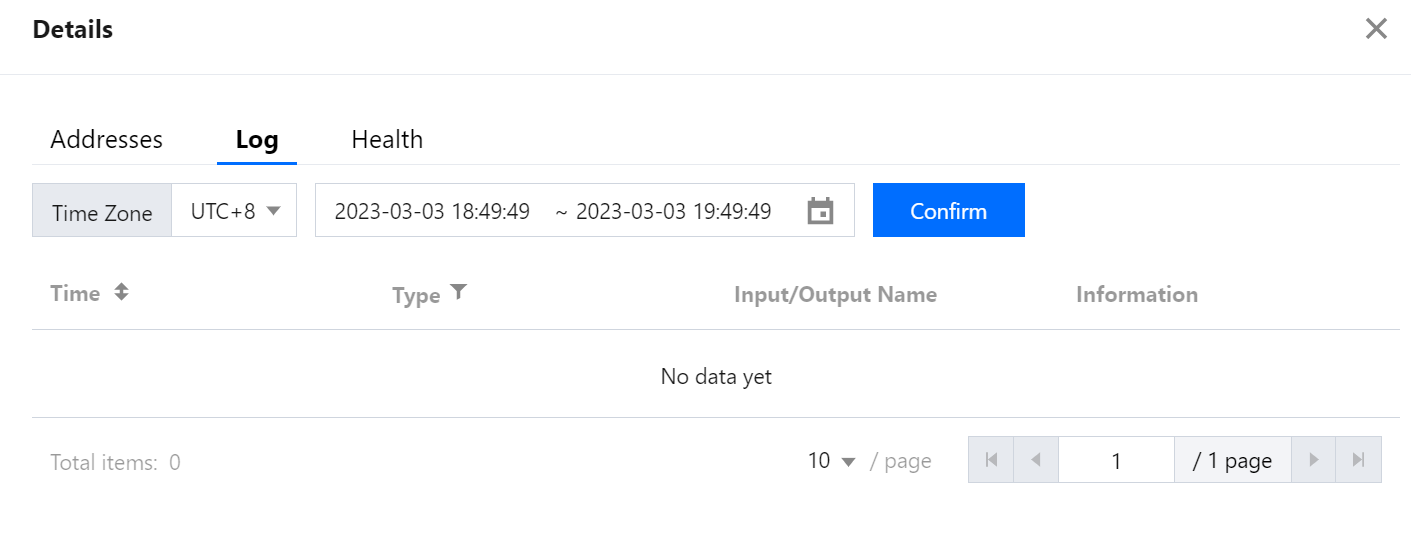
Click Log to view the events that occurred while a flow is running, such as stream pushed, stream interrupted, and IP address blocked.
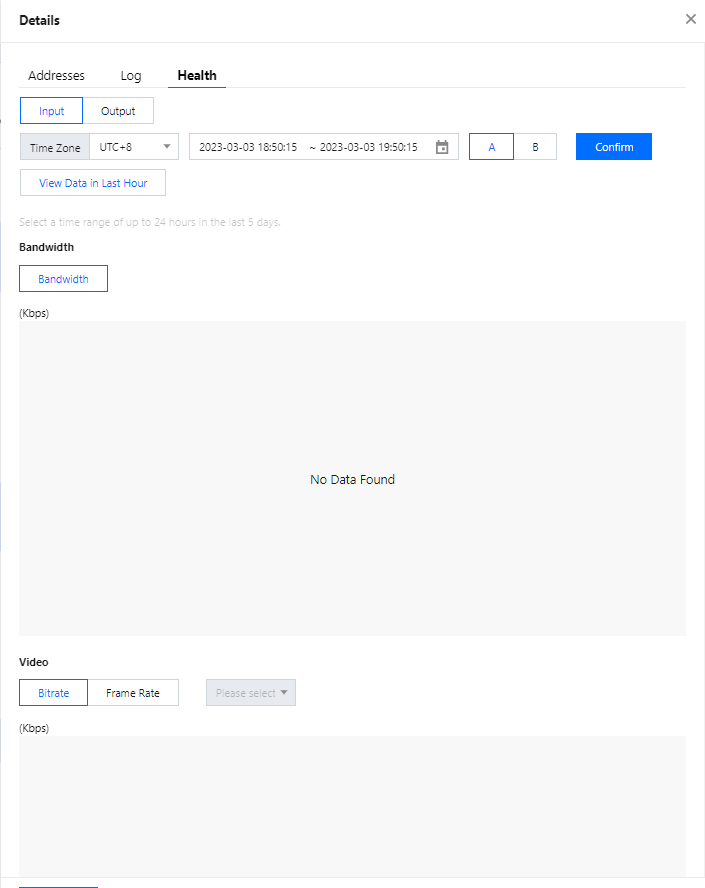
Click Health to view statistics including the frame rate and bitrate of a flow’s inputs and outputs.
In the Health section, more data metrics are available for flows using the SRT protocol.
Data metric
Description
RTT (Round Trip Time)
The network round-trip time. It is the average time required for a packet to travel from the sender to the receiver and for the acknowledgment signal to return, which directly reflects the physical latency of the current network.
Bandwidth
The estimated maximum available network bandwidth. It is the highest data transmission rate supported by the current network link, as detected by the system.
Send Bandwidth
The actual data transmission rate. The real-time bandwidth consumption of the sender currently pushing data into the network.
Receive Bandwidth
The actual data reception rate. The real-time bandwidth consumption of the receiver currently pulling data from the network.
Send Packet
The total number of packets sent. This includes all original packets sent as well as packets retransmitted due to packet loss.
Receive Packet
The total number of packets received. This includes all normal packets received and packets that arrived via retransmission.
Send Lost
The number of packets lost during network transmission, as detected by the sender (based on feedback from the receiver).
Note: Lost packets will trigger a retransmission mechanism.
Send Lost Rate
The ratio of lost sent packets to the total sent packets. A higher value indicates poorer network quality on the sending link.
Receive Lost
The number of packets lost during network transmission, as detected by the receiver (manifested as discontinuous sequence numbers).
Note: Lost packets will trigger a retransmission mechanism.
Receive Lost Rate
The ratio of lost received packets to the total received packets. A higher value indicates poorer network quality on the receiving link.
Send Retransmit
The number of packets retransmitted by the sender due to packet loss.
Send Retransmit Rate
The ratio of retransmitted sent packets to the total sent packets. This reflects the extra bandwidth overhead the system incurs to overcome network packet loss.
Receive Retransmit
The number of packets successfully received after a retransmission request by the receiver.
Receive Retransmit Rate
The ratio of retransmitted received packets to the total received packets.
Send Drop
The number of packets proactively dropped by the sender. This usually happens because data has been waiting in the send queue for too long (exceeding the allowed latency requirement TLP), and the system considers it meaningless to send it anymore.
Note: Dropped packets will not be retransmitted.
Receive Drop
The number of packets proactively dropped by the receiver. This usually happens because the packets arrived too late (missed the playback time window) and cannot be handed over to the upper application for playback, so they are proactively dropped.
Note: Dropped packets will not be retransmitted.
Congestion Window
An internal parameter that controls the sending rate. It represents the maximum number of packets allowed to be "in flight" in the network before receiving an acknowledgment (ACK) from the other side. The system dynamically adjusts this value based on network congestion.
In Flight
The number of packets that have been sent out but have not yet received an acknowledgment (ACK) from the receiver.
Send Buffer
The current size occupied by the sender's buffer. If this value continues to rise, it indicates that the speed of data generation (encoding) is faster than the actual network transmission speed, which may cause network congestion or sending latency.
Receive Buffer
The current size occupied by the receiver's buffer. This cache is mainly used to resist network jitter, reorder out-of-order packets, and wait for the retransmission of lost packets.
Send Latency
The preset sender latency time. It provides a time window guarantee for the transmission and potential retransmission of packets in the network.
Receive Latency
The preset receiver latency time. It determines the maximum time a packet can wait in the receiver's buffer before being forcibly handed over to the upper application.