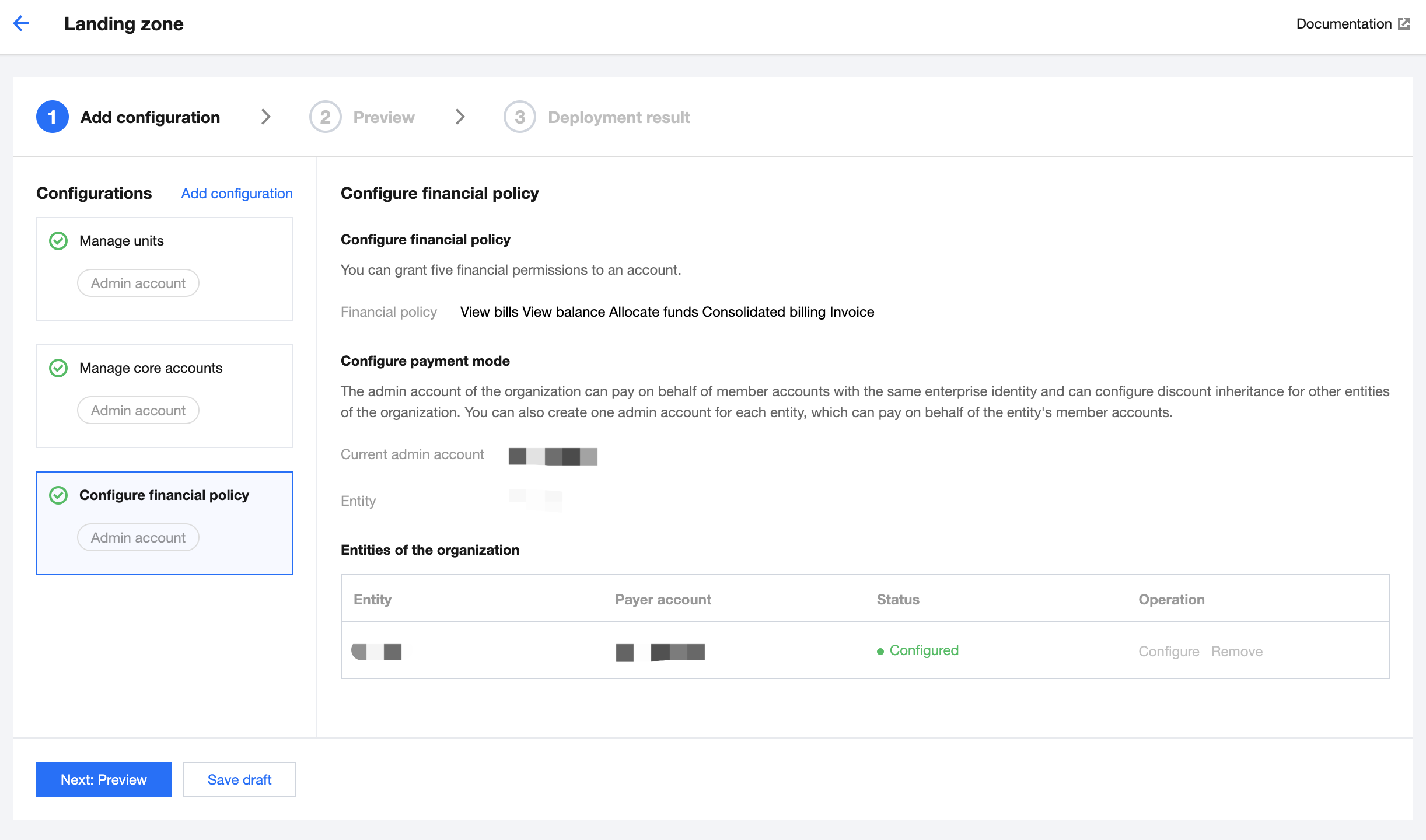
Landing zones offer default financial policies and payment modes for accounts in Control Center. On the Landing zone page, you can view the financial policies and payment modes and manage other entities of the organization. This document describes how to configure enterprise financial policies in a landing zone.
Prerequisites
You have logged in to the Tencent Cloud console and gone to the Control Center > Landing zone page.
Directions
1. On the Landing zone page, select Configure financial policy.
Configure financial policy: By default, five financial policies are supported. You can go to Control Center > Finance to modify these policies later.
Configure payment mode: The organization admin account can pay on behalf of other accounts within the same entity as itself. It can also set other entities to inherit its discounts.
Entities of the organization: The entities associated with the account are automatically displayed, including the current entity and other entities. To remove any other entities, click Remove in the Operation column.
Note:
By default, the organization admin account pays on behalf of other accounts under its owner entity, and that entity cannot be modified or removed.