View Application asset access
다운로드
포커스 모드
폰트 크기
Overview
View user information that can access a certain application asset and corresponding operation permissions info.
Operation Steps
1. Log in to the BH console.
2. In the left sidebar, select Asset Management > Web Application Assets.
3. On the Web Application Asset page, select a target asset and click Permission.
4. In the "Access Permissions" window, you can view the users who can access the asset.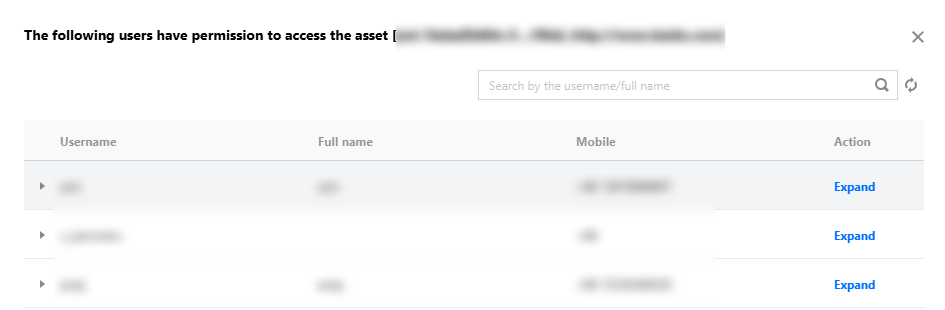
5. In the "Access Permissions" window, click unfold to view specific operation permissions and high-risk command configurations.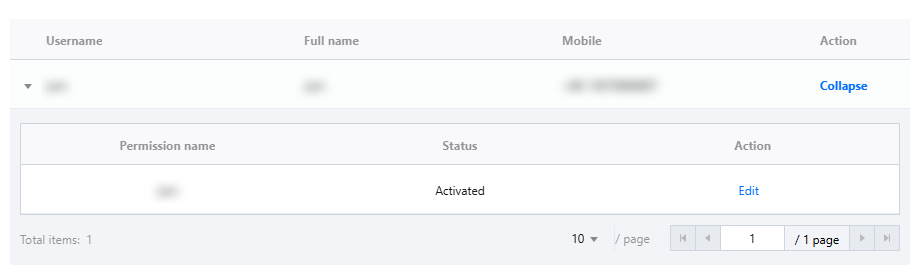
피드백