Building Backend Services Quickly with Supabase
ダウンロード
フォーカスモード
フォントサイズ
Supabase provides a full-stack development platform built on PostgreSQL. It integrates a real-time database, authentication, auto-generated APIs, COS, and edge functions. The platform offers out-of-the-box real-time data synchronization, fine-grained access control, and Serverless extension capabilities. It supports developers in rapidly building modern applications integrated with AI, while maintaining full control over SQL and the open-source ecosystem. For more detailed Supabase features, see the official documentation.
This guide walks you through quickly deploying Supabase, connecting it to TencentDB for PostgreSQL as the backend database, and rapidly building your application.
Preparing the Environment
First, you need to create a CVM instance and a TencentDB for PostgreSQL instance within the same VPC.
Pulling Supabase Code
# Get the codegit clone --depth 1 https://github.com/supabase/supabase# Make your new supabase project directorymkdir supabase-project# Tree should look like this# .# ├── supabase# └── supabase-project# Copy the compose files over to your projectcp -rf supabase/docker/* supabase-project# Copy the fake env varscp supabase/docker/.env.example supabase-project/.env# Switch to your project directorycd supabase-project# Pull the latest imagesdocker compose pull
Modifying the .env File
Modify the following items in the
supabase-project/.env file. Ensure that the corresponding accounts have been created in your TencentDB for PostgreSQL instance.POSTGRES_HOST=The vip of your TencentDB for PostgreSQL instancePOSTGRES_DB=postgresPOSTGRES_USER=supabase_adminPOSTGRES_PORT=5432POSTGRES_PASSWORD=The account password for your TencentDB for PostgreSQL instance
Modifying the docker-compose.yml File
Modify the
supabase-project/docker-compose.yml file. Search for the external Postgres database key. The file contains a note indicating that if you are using an external PG, you should comment out the corresponding section:depends_on:# db:# Disable this if you are using an external Postgres database# condition: service_healthy
Creating Objects in TencentDB for PostgreSQL
Before starting Supabase, you need to create some objects (user, database, schema). Otherwise, Supabase will fail to start. The password here must match the one configured for POSTGRES_PASSWORD.
CREATE USER supabase_admin pg_tencentdb_superuser password 'your_password';CREATE DATABASE _supabase;create schema _analytics;
Clearing the Cache
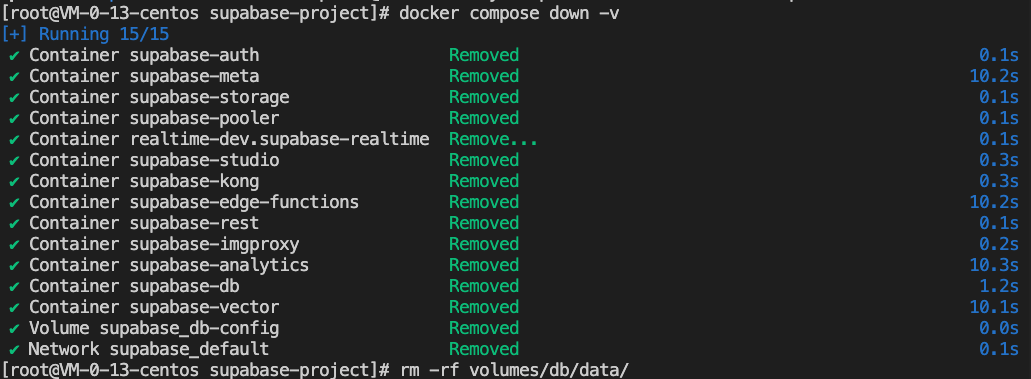
Skip this step if you have not started Supabase before.
# Stop docker and remove volumes:docker compose down -v# Remove Postgres data:rm -rf volumes/db/data/
Starting Supabase
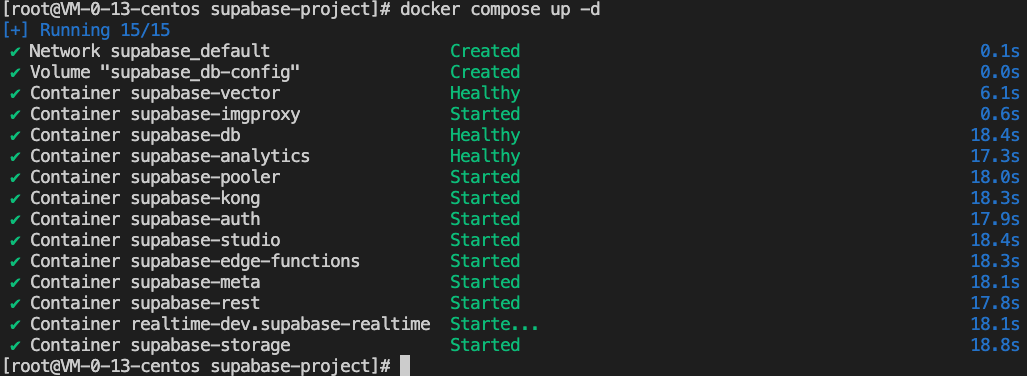
After completing the above configuration, you can start Supabase.
docker compose up -d
Logging In to the Supabase Page
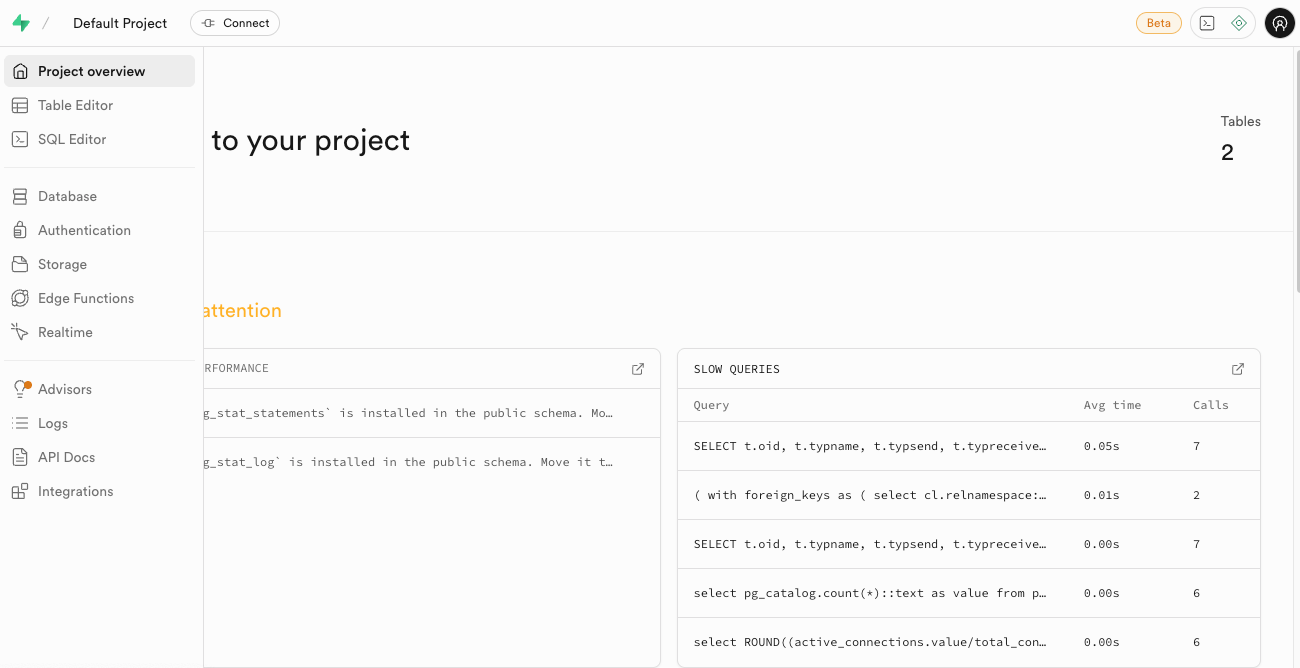
Access the following link corresponding to the public IP address of your virtual machine instance: http://<public_IP_address>:8000/. The initial account credentials provided by Supabase are:
supabase
this_password_is_insecure_and_should_be_updated
The page displayed after a successful login:
フィードバック