H5 Ops
Download
フォーカスモード
フォントサイズ
Scenarios
Users access and operate hosts through BH. The following will detail how to access hosts via H5.
Prerequisites
The administrator has informed Ops personnel of the login address.
The administrator has granted Ops personnel access permissions to the host.
Ops personnel have completed account activation.
Operation Steps
Note:
All operations for accessing hosts through BH are logged.
The H5 method supports access only to Linux and Windows hosts.
When hosts are accessed via H5 for file transfer, the file upload limit is 500 MB, and the file download limit is 1 GB.
Accessing and Managing Linux Systems via H5
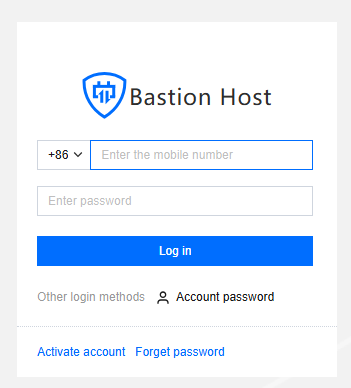
1. Enter the Ops page login address in the browser to open the BH Ops page; enter your mobile number and password to log in to BH; or click Account Password to switch to logging in with account name and password.
2. After going to BH, in the left navigation, select Host Assets > Asset List.
3. On the asset list page, click the Access on the right side of the corresponding host.

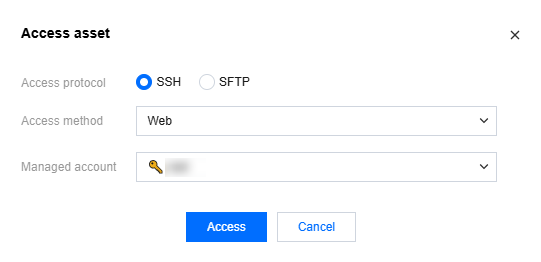
4. In the host access pop-up window, select the SSH access protocol, choose the Web access method, and enter the required asset account and password. Then, click Access to access the Linux host via H5.
Note:
If the password for the selected account is already managed, you do not need to enter the password again here.
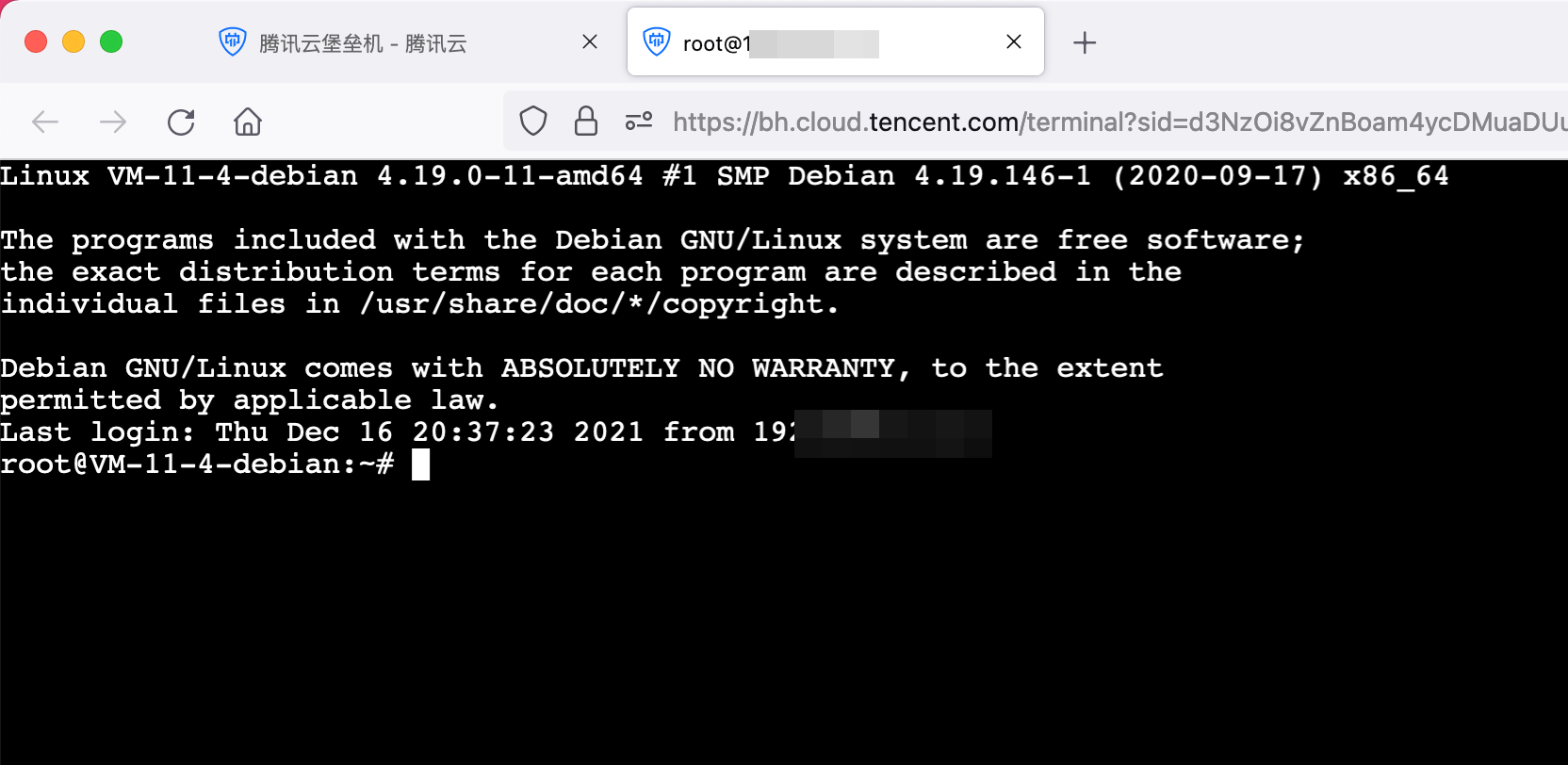
5. On the H5 Ops page, users can directly input commands.
Accessing and Managing Windows Systems via H5
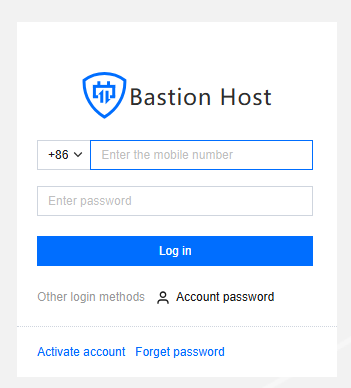
1. Enter the Ops page login address in the browser to open the BH Ops page; enter your mobile number and password to log in to BH; or click Account Password to switch to logging in with account name and password.
2. After going to BH, in the left navigation, select Host Assets > Asset List.

3. On the asset list page, click the Access on the right side of the corresponding host.

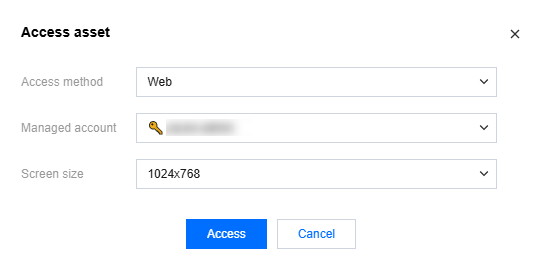
4. In the host access pop-up window, select the Web access method, enter the required asset account and password, and then click Access to access the Windows host via H5.
Note:
If the password for the selected account is already managed, you do not need to enter the password again here.
5. On the H5 Ops page, users can operate the Windows system directly through a graphical interface as if operating locally.

フィードバック