Status Overview
ダウンロード
フォーカスモード
フォントサイズ
The Status Overview page incorporates some features from the Flink UI. It can display the DAG of a job, along with certain job data and metrics.
Note:
Currently, only streaming jobs are supported.
The cluster becomes unavailable if an older version of the Flink image is pinned to it.
Overview
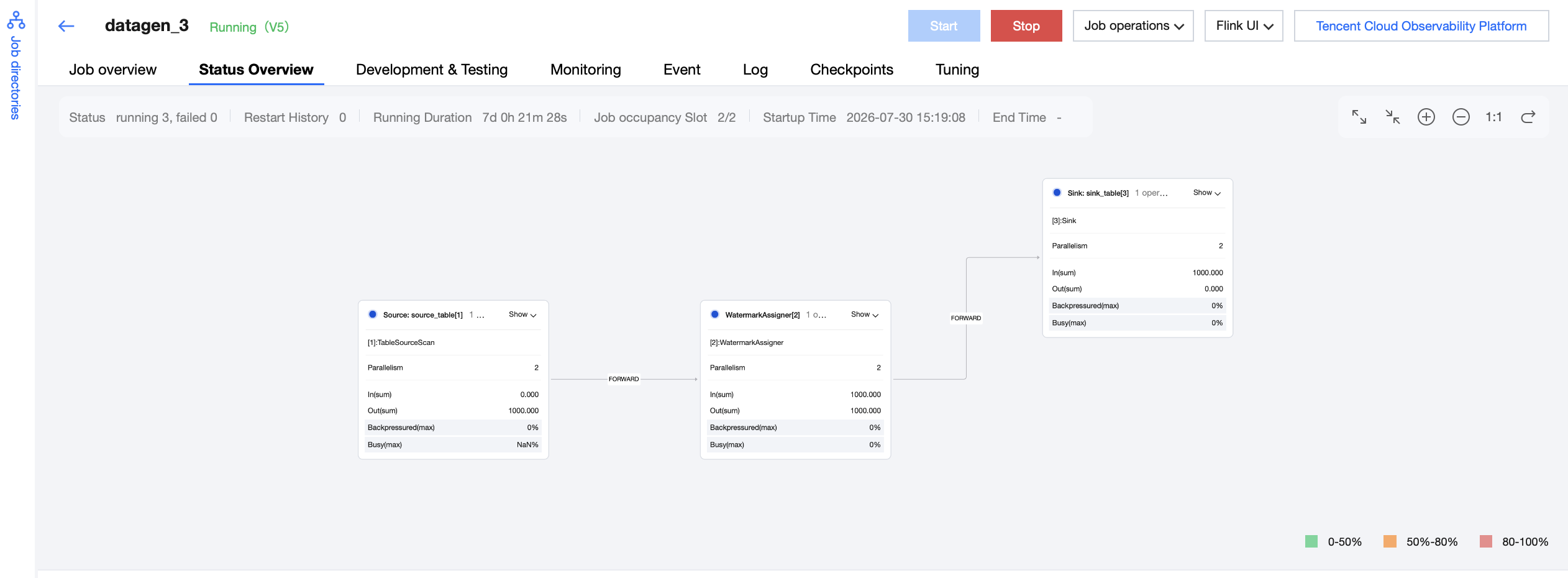
A normal Status Overview is shown in the following figure. It can display the job's runtime status, restart quantity, uptime, and some job metrics.
Expanding Chain Operators
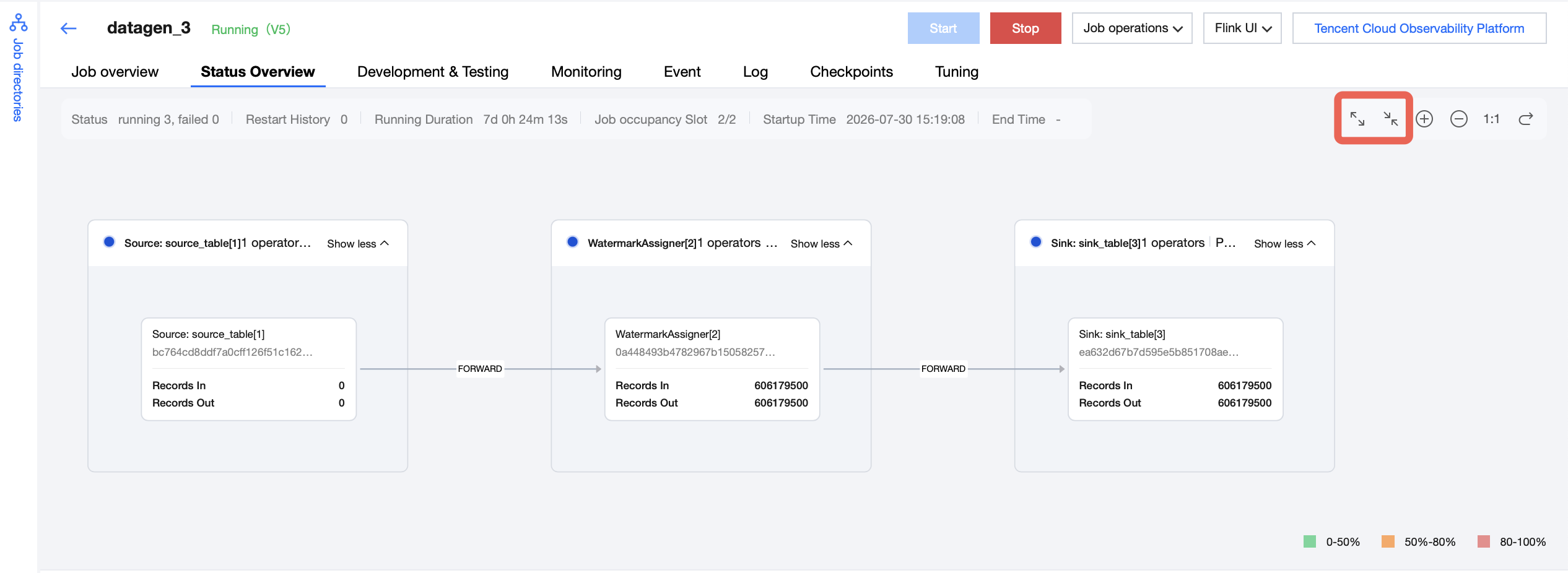
You can click the button in the upper-right corner to expand or collapse operators.
Vertex Details
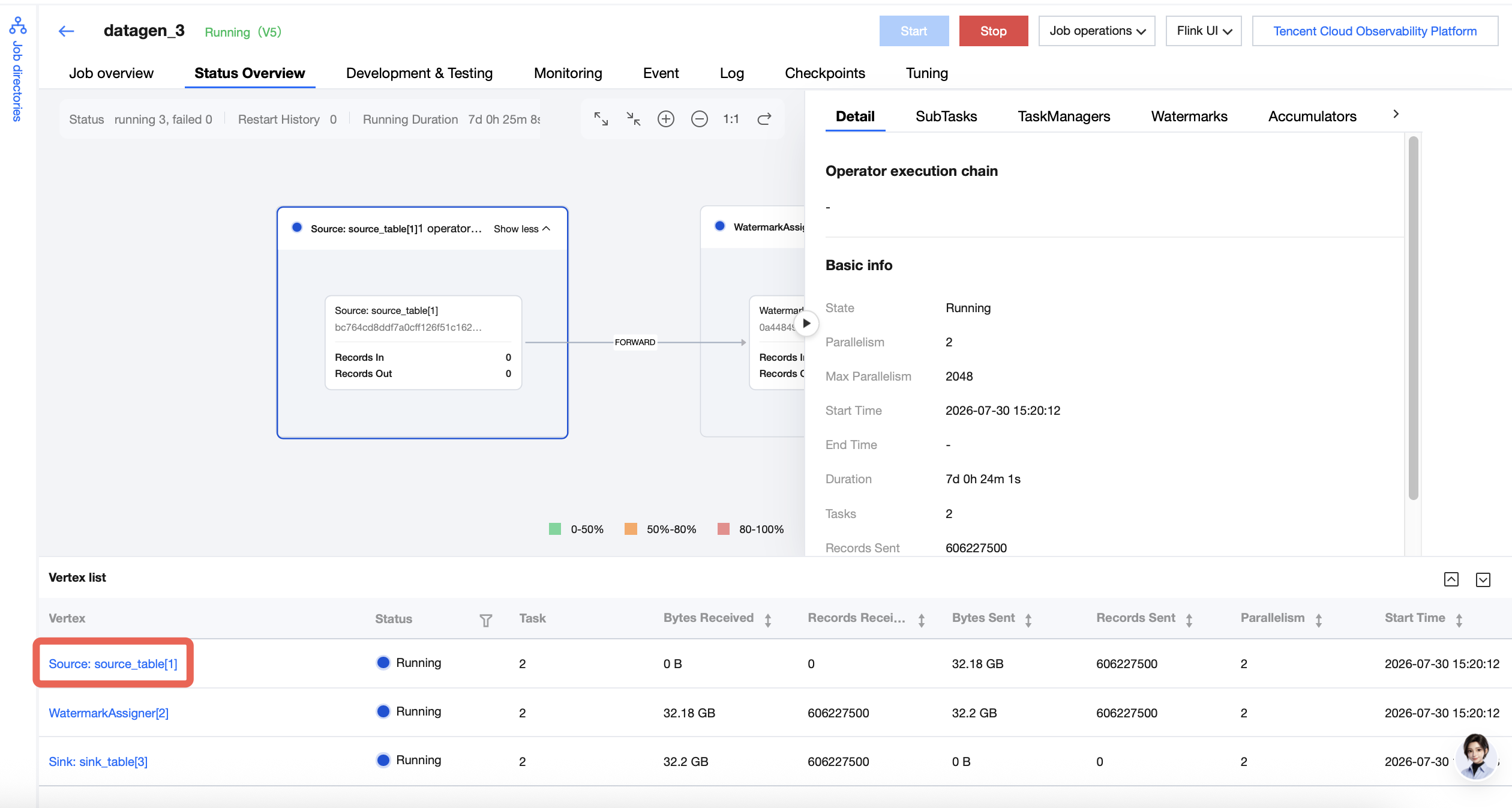
Click a Vertex. The data related to that Vertex is then displayed on the right-hand page, where you can select different tabs to view different data.
FAQs
Page Display Issues
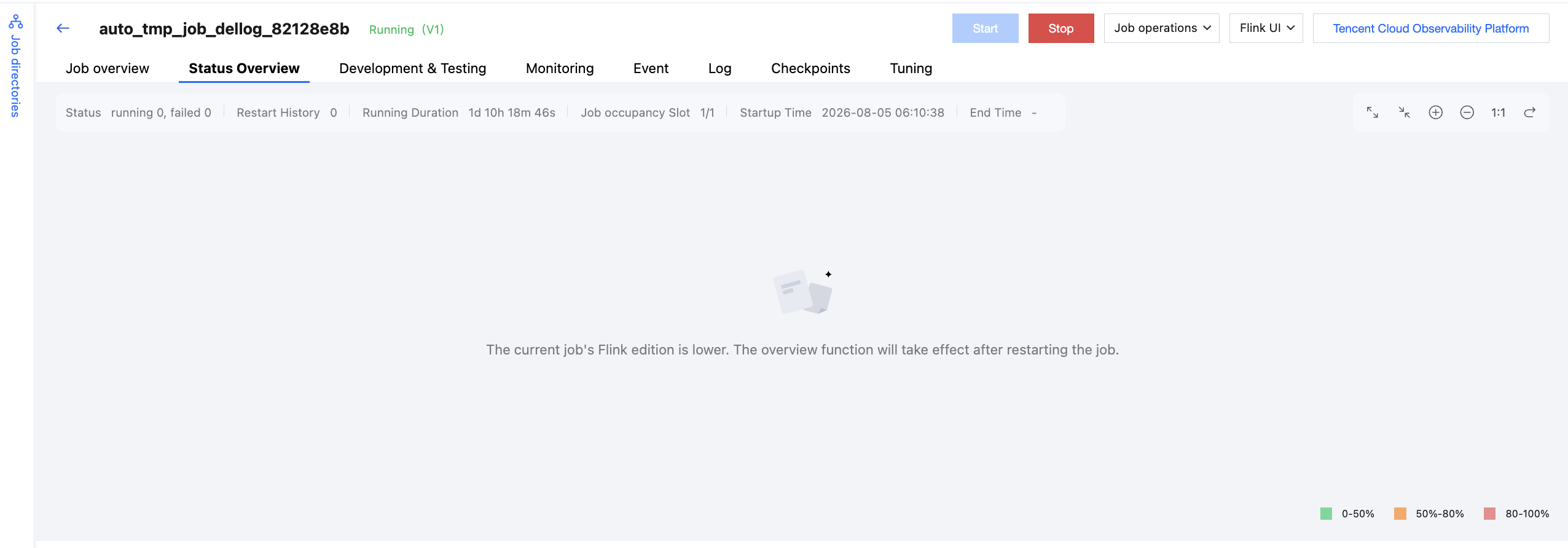
If the page appears as shown in the following figure and the cluster does not have a pinned Flink image, the page will display normally after you restart the job.
フィードバック