CDN Cloud Insight
다운로드
포커스 모드
폰트 크기
CDN Cloud Insight
Features
Provide the out-of-the-box CDN domain name access analysis dashboard.
Unify the entry for CDN domain name access log retrieval and analysis.
Enable CDN domain name access log collection in batches.
Prerequisites
Creating a CDN domain name is completed.
Directions
Enabling Domain Name Access Log Collection
Step 1: Go to the CDN Product Page
1. Log in to the Cloud Log Service console.
2. In the left sidebar, select Cloud Insight to go to the Cloud Insight page, and then click Content Delivery Network(CDN).
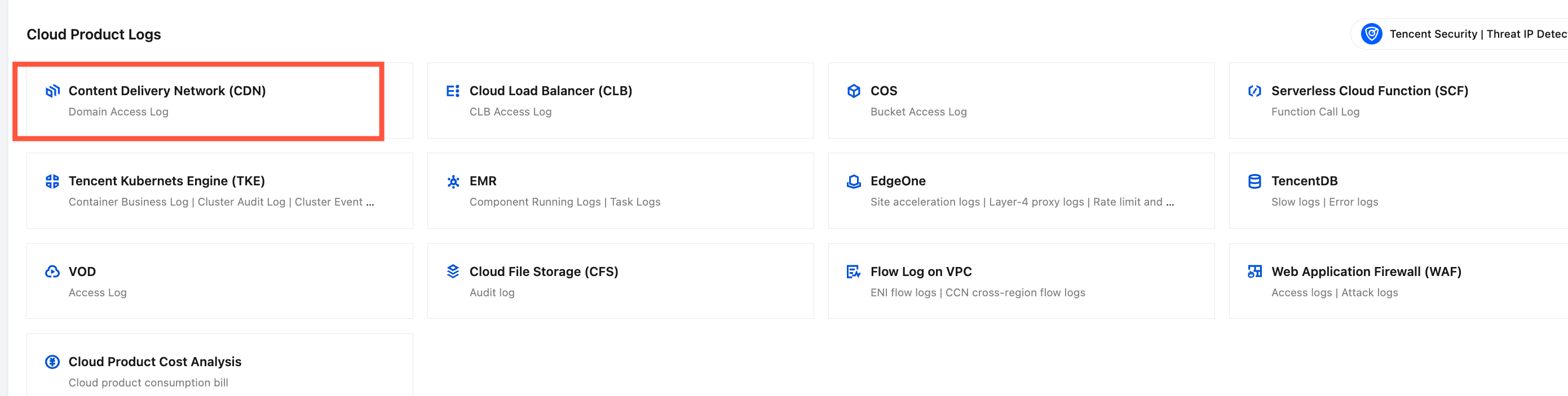
Step 2: Enabling Domain Name Access Log Collection
1. In CDN, choose Collection Management > Instance Collection.
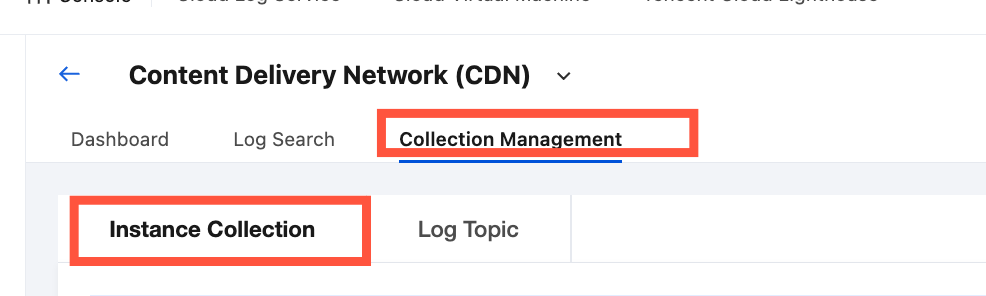
2. In the CDN domain name list, find and select one or more target CDN domain names.
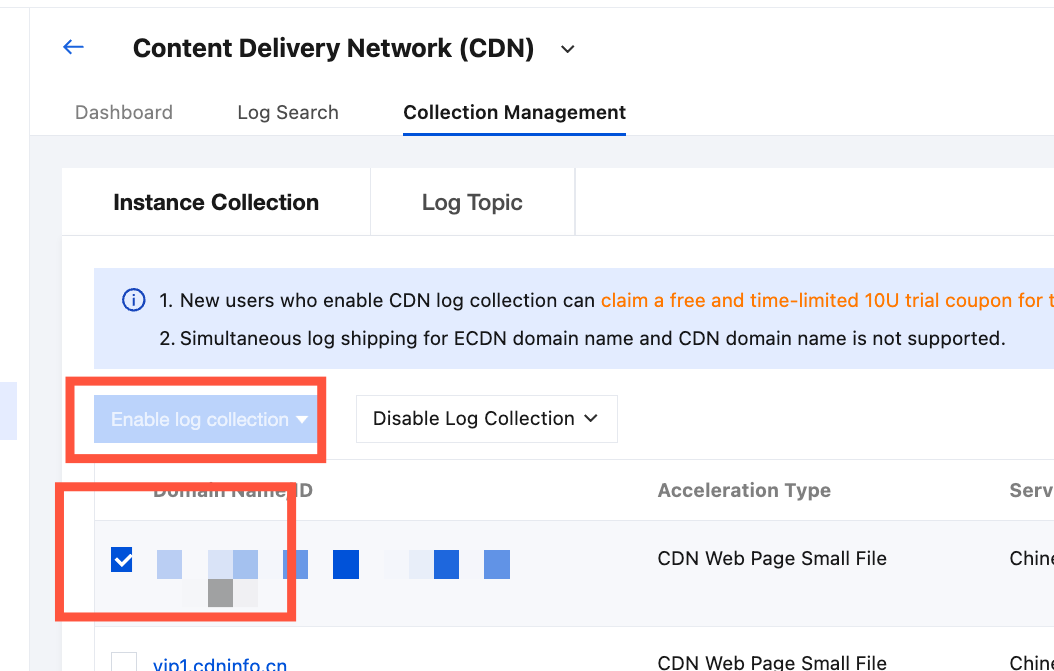
3. Click Enable log collection, and enable Chinese Mainland Access Log or Outside the Chinese Mainland Access Log in the dropdown options.
Note:
ECDN domain names and domain names in the Chinese mainland do not support enabling access log collection outside the Chinese mainland.
Domain names outside the Chinese mainland do not support enabling access log collection in the Chinese mainland.
4. In the Enable Log Collection pop-up window, select or create a target Log Topic and click Confirm to start collecting logs in or outside the Chinese mainland for the target CDN domain name.
Note:
Only the target log topic for storage can be customized. The logset is set to the CDN-specific logset by default. The logset name for access logs in the Chinese mainland is cloud_cdn_logset_cn, and the logset name for access logs outside the Chinese mainland is cloud_cdn_logset_oversea.
Viewing the Domain Name Analysis Dashboard
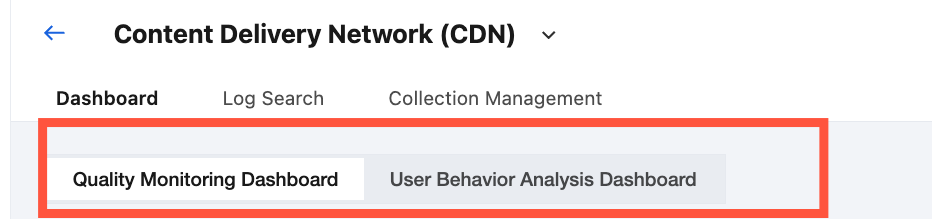
1. After enabling the collection of CDN domain name access logs, select Dashboard in the top tab bar.
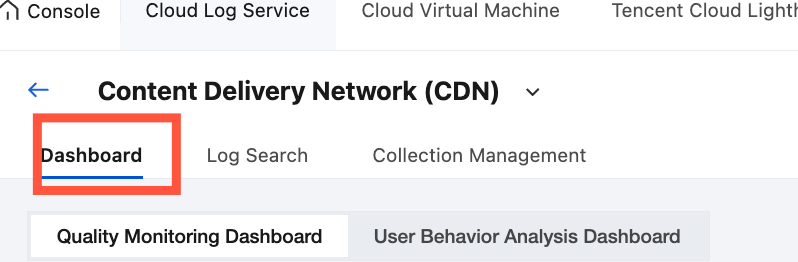
2. In the top secondary tab, select the target dashboard.
3. In the CDN domain name drop-down list, select the target CDN domain name for which access log collection is enabled, and then select the target region for analysis, which is Chinese Mainland Access Log or Outside the Chinese Mainland Access Log.
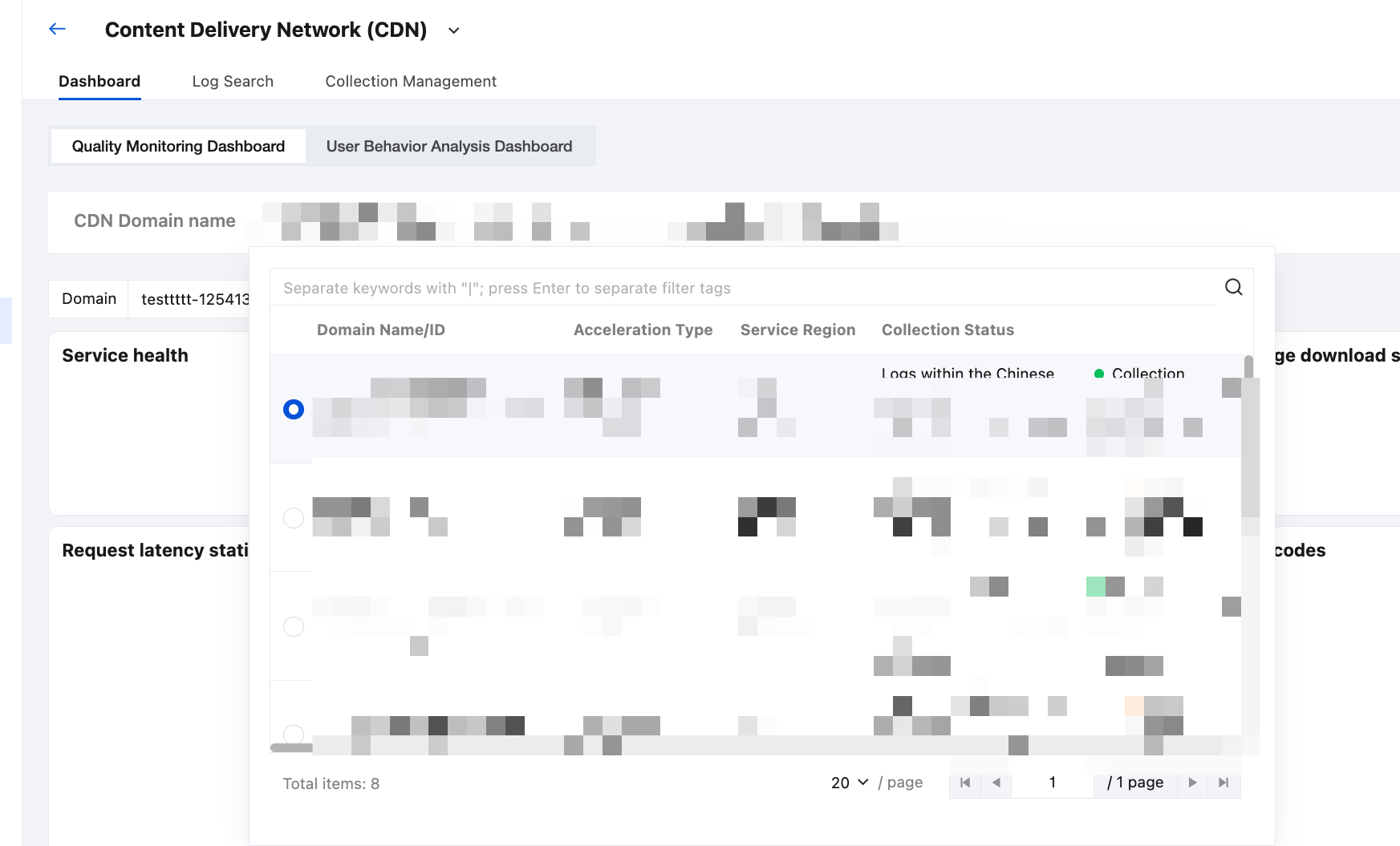
4. After selecting a domain name, you can view the access analysis dashboard related to the selected domain name.
Searching and Analyzing CDN Domain Name Access Logs
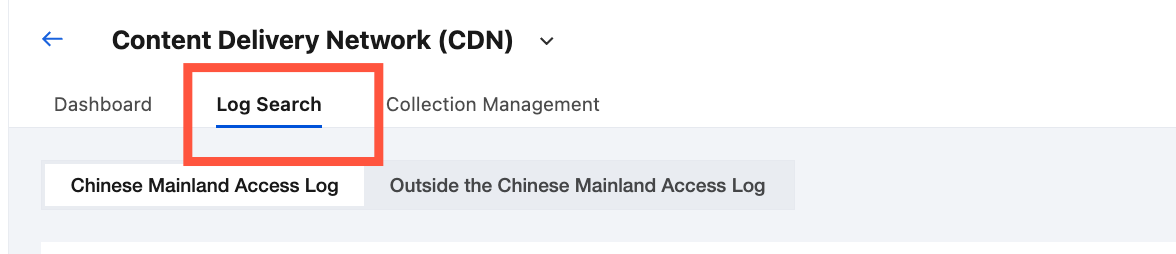
1. After enabling the collection of CDN domain name access logs, in the top tab bar, select Log Search.
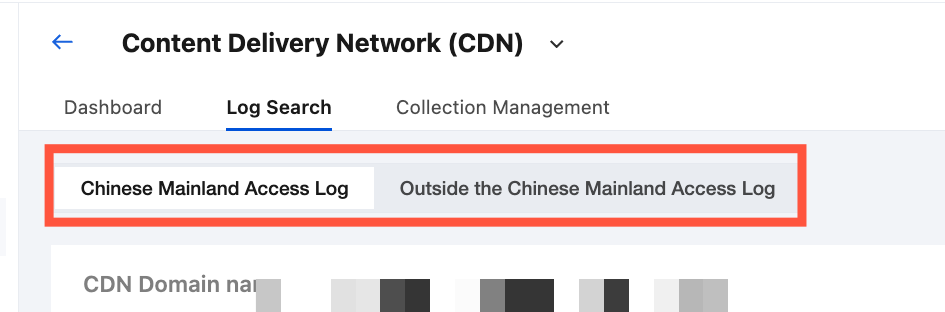
2. Select Chinese Mainland Access Log or Outside the Chinese Mainland Access Log to select a target region for analysis.
3. In the CDN domain name drop-down list, select the target CDN domain name for which access log collection is enabled.
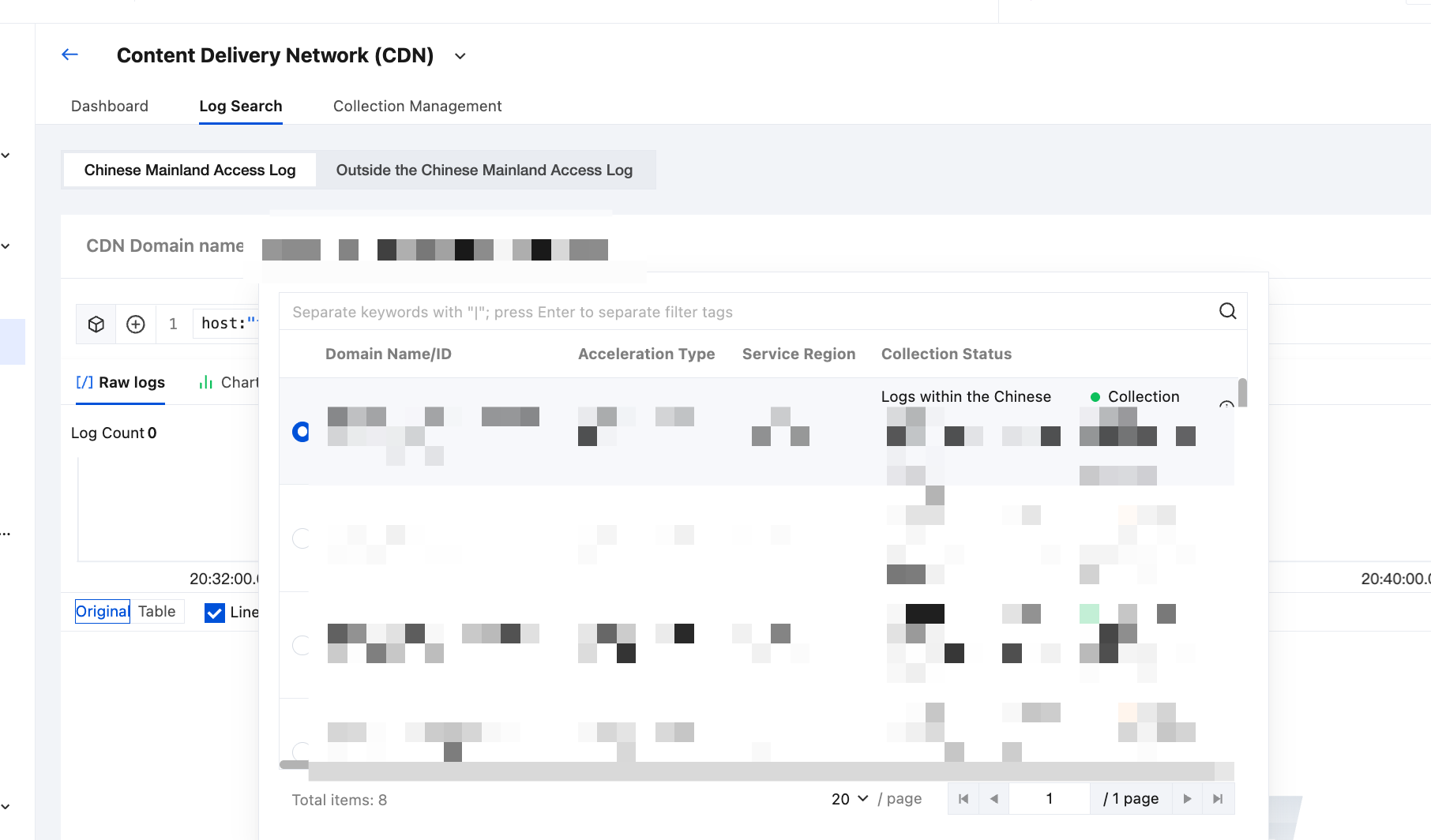
4. After selecting a CDN domain name, you can retrieve and analyze access logs in or outside the Chinese mainland, which are related to the selected CDN domain name.
Disable Domain Name Access Log Collection
1. In CDN, choose Collection Management > Instance Collection
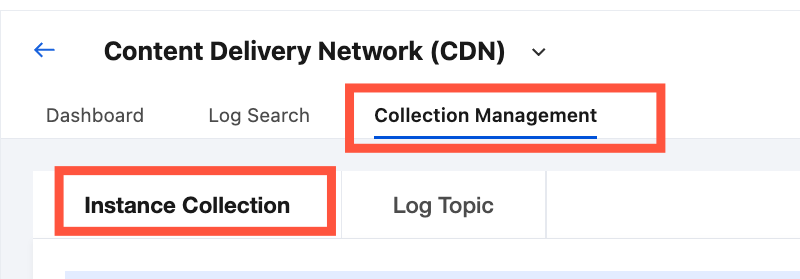
2. Select the instance for which you want to disable log collection in the list and click Disable Log Collection. In the drop-down list, select Disable Access Logs in the Chinese Mainland or Disable Access Logs Outside the Chinese Mainland.
3. In the Disable Collection pop-up window, you need to select Disable, and then click Confirm to disable log collection for the selected domain name.
Note:
Disabling log collection only means that new logs are no longer collected. The existing collected logs will continue to be stored in the log topic until they expire, during which storage fees will continue to be incurred. If you do not want to continue storing the logs, see the following steps:
1. Choose Collection Management > Log Topic, locate the target topic, and click Delete.
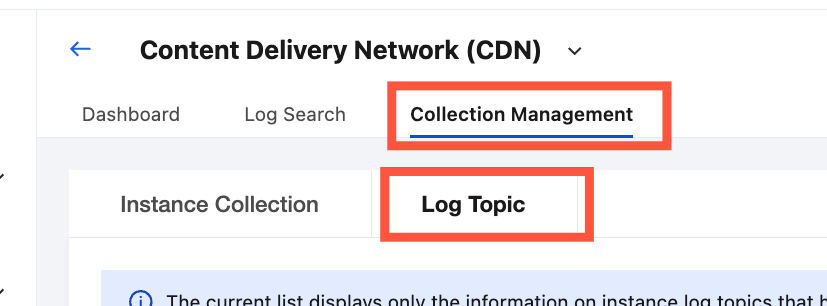
2. Click Next. After performing the secondary confirmation, click Delete.
피드백