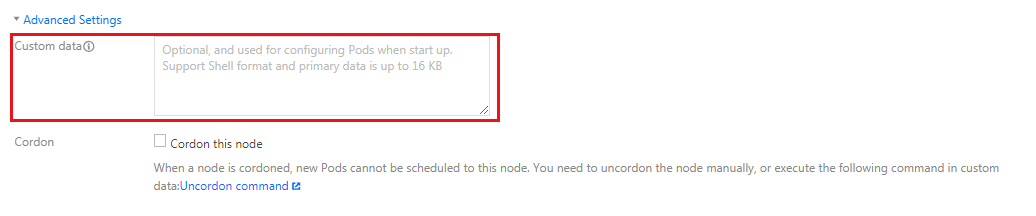
The startup script of a node can help you initialize the node before the node becomes ready. The configured script is executed when the node starts. If you purchase multiple CVM instances at a time, the custom data will run on all of them.
Use Limits
Do not modify configurations such as those for kubelet, kube-proxy, and docker on the TKE node in the startup script.
If the startup script fails to be executed, it will not be executed again. Therefore, you must ensure the executability of the script or ensure that a retry mechanism is available.
You can view the script and its log file in the /usr/local/qcloud/tke/userscript path of the node.
Directions
You can configure the startup script for a node in the following scenarios:
When creating a cluster and adding a node, click Advanced Settings on the "CVM Configuration" page and complete custom data as a startup script, as shown in the following figure:
When adding an existing node
When adding an existing node, click Advanced Settings on the "CVM Configuration" page and complete custom data as a startup script, as shown in the following figure:
When creating a scaling group
When creating a scaling group, click Advanced Settings on the "Launch Configuration" page and complete custom data as a startup script, as shown in the following figure: