Submitting FairPlay Certificate Information to SDMC
Baixar
Modo Foco
Tamanho da Fonte
This document shows you how to submit the following FairPlay certificate information to the SDMC console:
FairPlay Streaming (FPS) certificate (format: CER)
Private key file (format: PEM)
Private key password
Application secret key (ASK)
If you don’t have a FairPlay certificate yet, refer to Obtaining FairPlay Certificate Information to obtain the information.
Directions
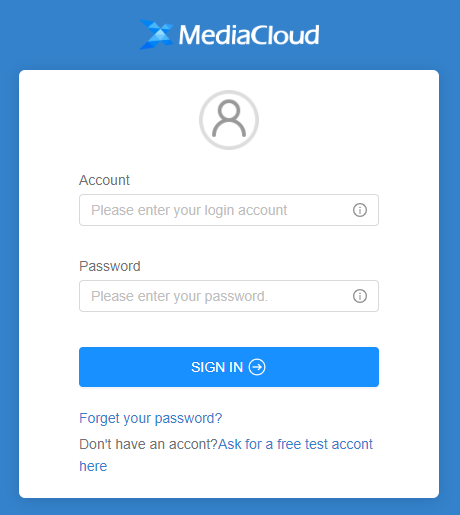
1. Log in to the SDMC DRM console.
2. Click DRM SETTINGS, find FPS Cert Registration, and click Update.
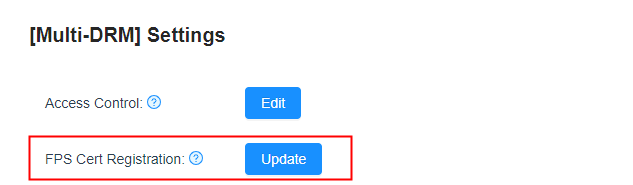
3. Upload the FPS certificate, private key file, private key password file, and ASK file, and click OK.

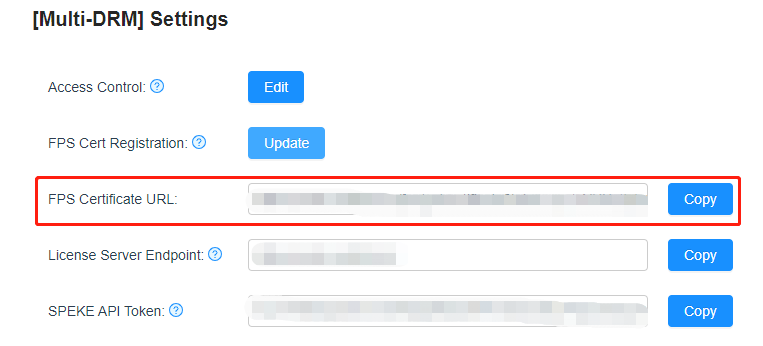
4. After the files are uploaded, you will see the URL of your FPS certificate.
Summary
You have now submitted your FairPlay certificate information to the SDMC console.
Ajuda e Suporte
Esta página foi útil?
Você também pode entrar em contato com a Equipe de vendas ou Enviar um tíquete em caso de ajuda.
comentários