Inviting Accounts
다운로드
포커스 모드
폰트 크기
Overview
This document describes how to invite accounts.
Directions
1. Log in to the Tencent Cloud console and go to the Control Center > Accounts page. Click Invite account.

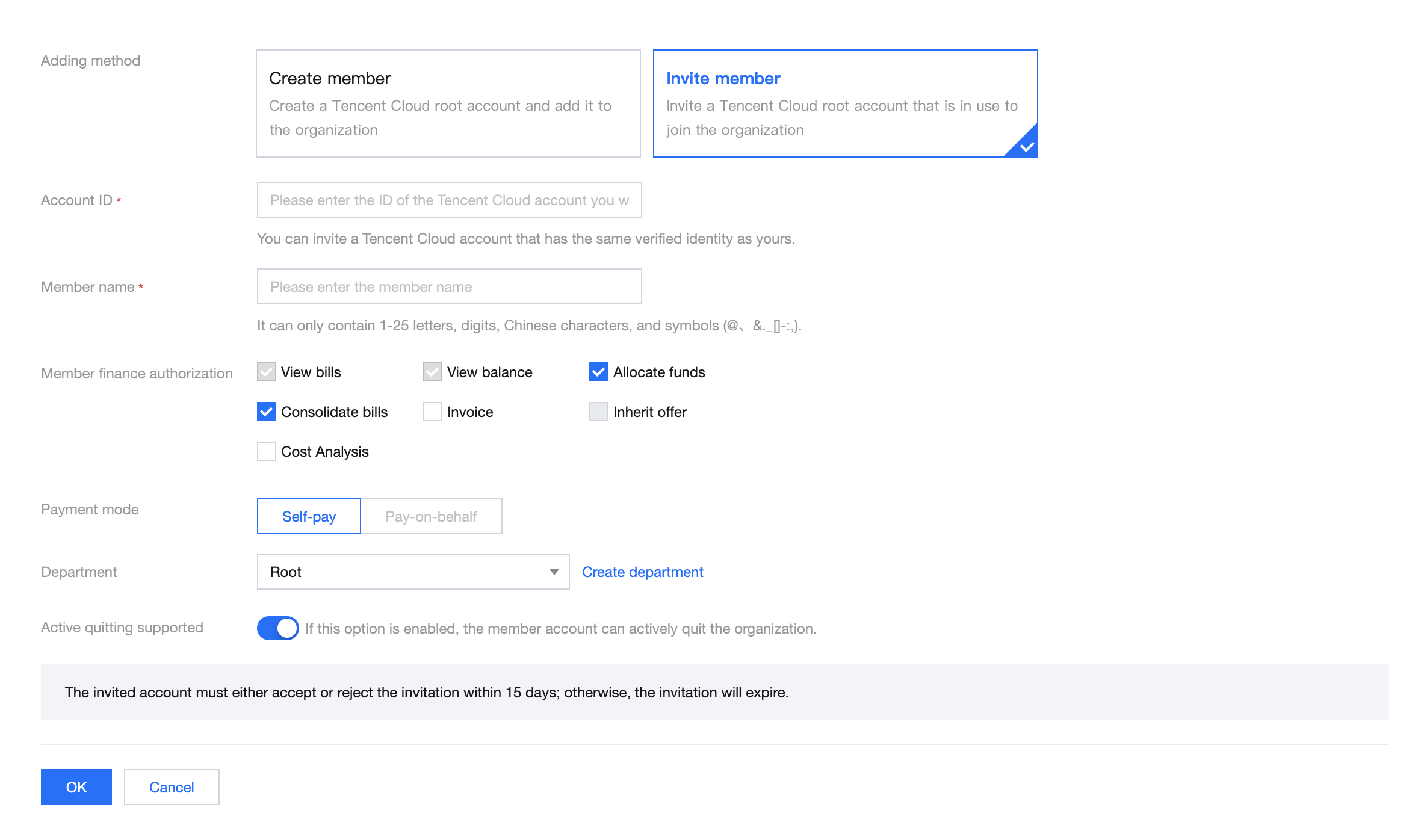
2. On the page that appears, select Invite member as the adding method. For more information about the configuration, see Adding Members.
피드백