Deleting Baselines
다운로드
포커스 모드
폰트 크기
Overview
This document describes how to delete a baseline.
Prerequisites
You have added baselines other than default baselines.
Directions
Deleting multiple baselines at a time
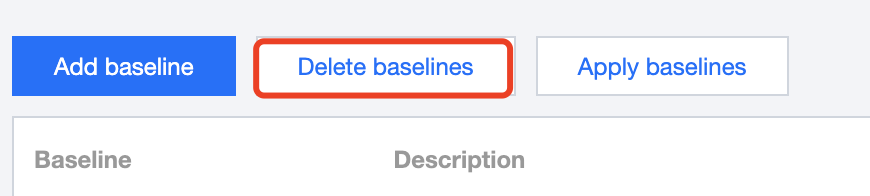
1. On the Control Center > Baselines page, click Delete baselines.
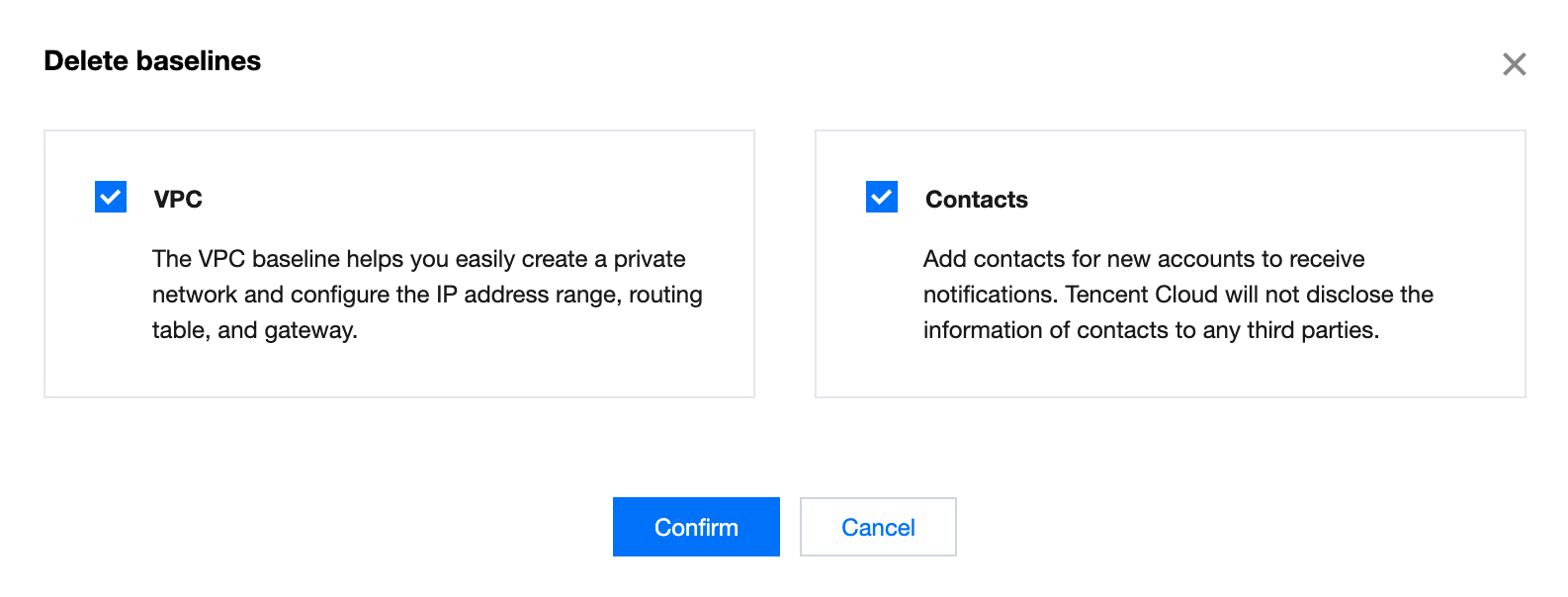
2. On the page that appears, select the baselines you want to delete, then click Confirm.
Note:
Default baselines cannot be deleted.
Deleting individual baselines
1. On the Control Center > Baselines page, click Delete in the Operation column for the baseline you want to delete.

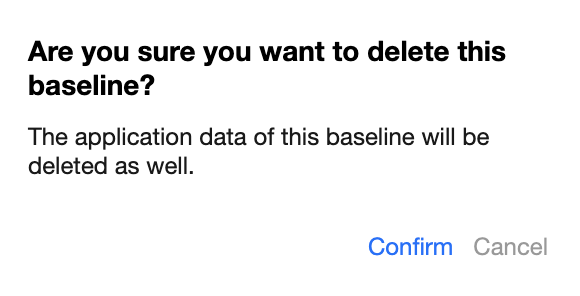
2. In the pop-up window, click Confirm.
피드백