For frequently accessed resources, users can add them to Quick Access for convenience. The following document describes how to add a host to Quick Access.
Prerequisites
The administrator has informed the Ops personnel of the login address.
The administrator has granted host access permissions to the Ops personnel.
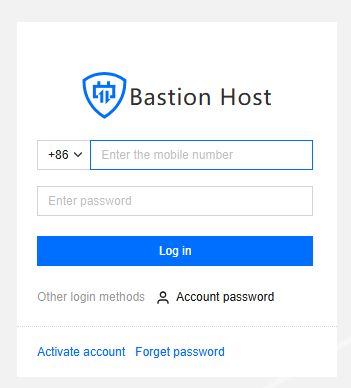
1. Enter the Ops page login address in a browser to open the BH Ops page. Enter your phone number and password to log in to the BH. Alternatively, click Account password to switch to login with account name and password.
2. After entering the BH, choose Services > Asset list in the left sidebar.
3. On the Host List Page, click Add to Quick access on the right side of the corresponding host to add it to Quick Access.
4. On the Access Host page, click Quick access to switch to the Quick Access page, where you can view all favorited hosts.