You can reset your password when you forget your login password or when your account is locked after a certain number of failed login attempts are exceeded.
Operation Steps
1. Log in to the IDSEC console, choose User Management > User Management in the left sidebar, and go to the User Management page.
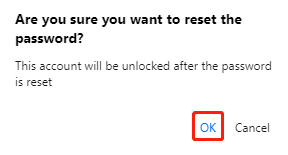
2. On the User Management page, click Reset password in the Operation column. A "Confirm Password Reset" dialog box will pop up.
3. In the "Confirm Password Reset" dialog box, click OK to reset the password.