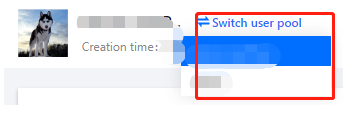
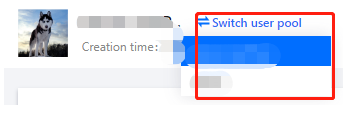
Customer Identity and Access Management (CIAM) supports multiple user pools. Administrators can switch to different user pools to manage and configure them.
Steps
1. Log in to the CIAM console and select Overview in the left navigation pane.
2. On the Overview page, you can switch pools in the following two ways:
Method 1: Click Switch user pool in the upper left corner of the page and select the user pool to switch to.
Method 2: Click Manage user pool in the upper right corner of the page to go to the User pool management details page. Then, select the user pool to switch to.