If you are in a low-light environment and noise appears in the image, you can enable the noise reduction attribute.
2. What to do if the segmentation effect is not very good?
When the background segmentation effect is used, it is recommended not to have a too complex background. The background color and clothing color should not be too similar. Otherwise, the segmentation effect will be reduced.
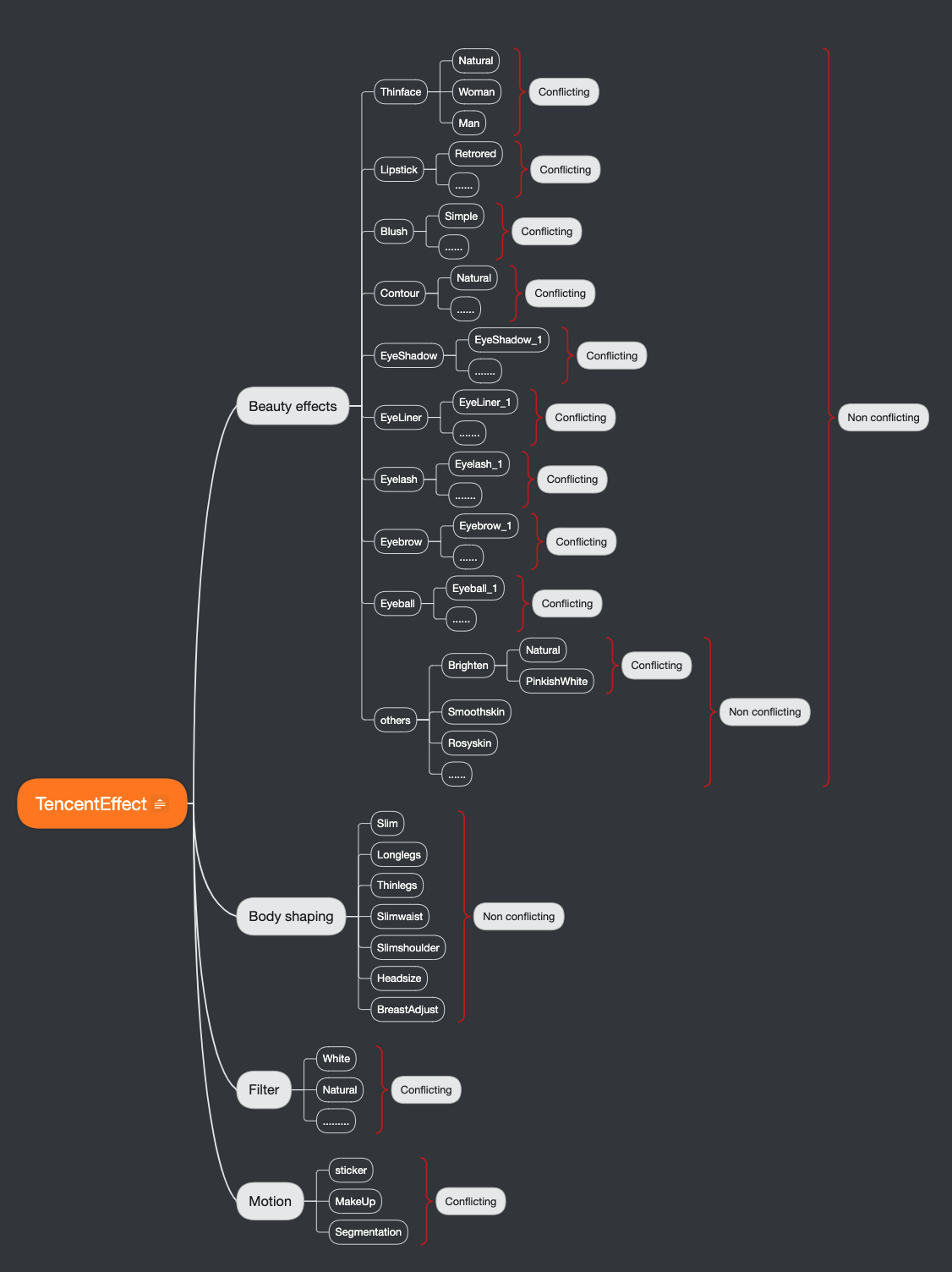
3. What is the relationship between beauty makeup materials and beauty filter?
4. What to do if using a certain beauty filter has no effect?
This could be a license permission issue or a parameter issue (for example, the path issue with filters and animation effects). It is recommended to check the property parameters.
5. What to do if the edges of the screen are blurry after the beauty filter is applied?
This situation occurs because the face slimming effect is on (face slimming effect leads to the stretching of pixels around the face). If the face is too close to the edge of the screen, there's more stretching at the edge. This can be handled by cropping the edge of the screen. For the cropping method, refer to the demo.
6. No Effect for Slimming Face or Lipstick in Landscape Mode?
Check the orientation of the face in the frame and set the corresponding offset angle.
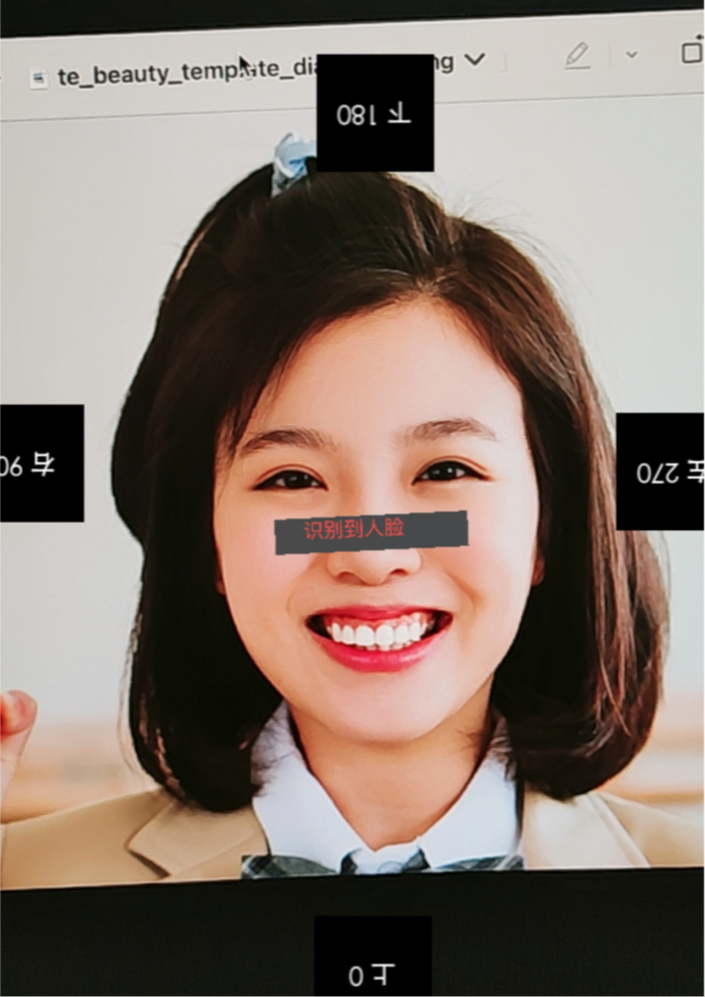
Method 1: If your license includes sticker permissions, you can use the following sticker to determine the appropriate angle.
First, download the sticker and integrate it into your project. Use video_test_orientation_android for Android and video_test_orientation_ios for iOS.
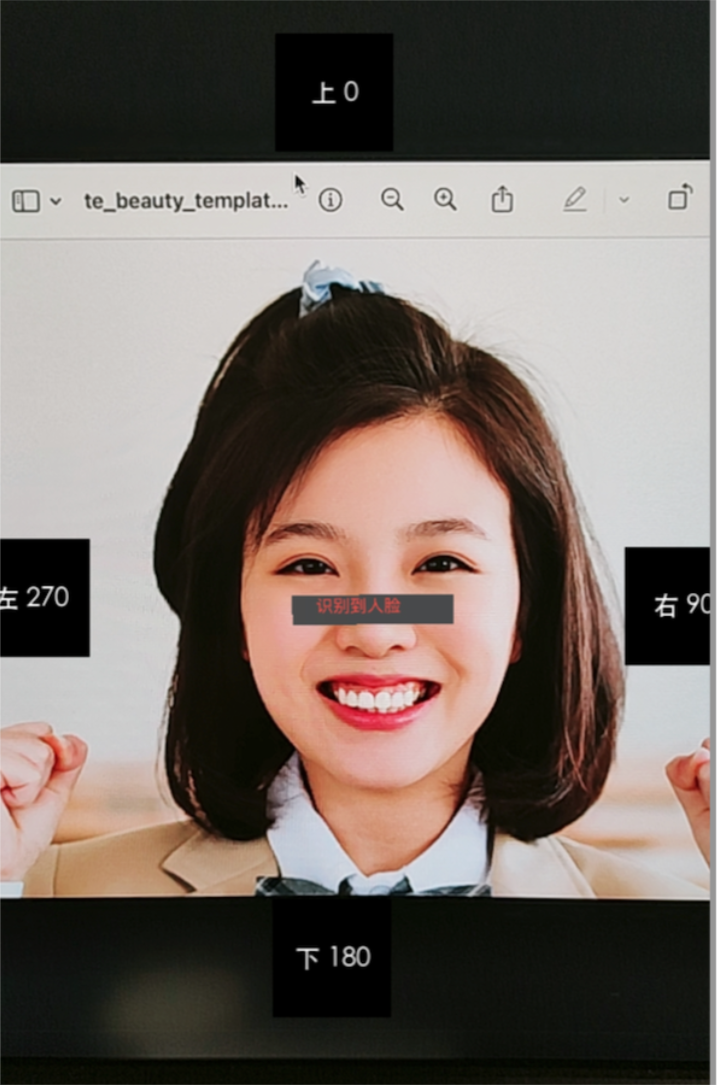
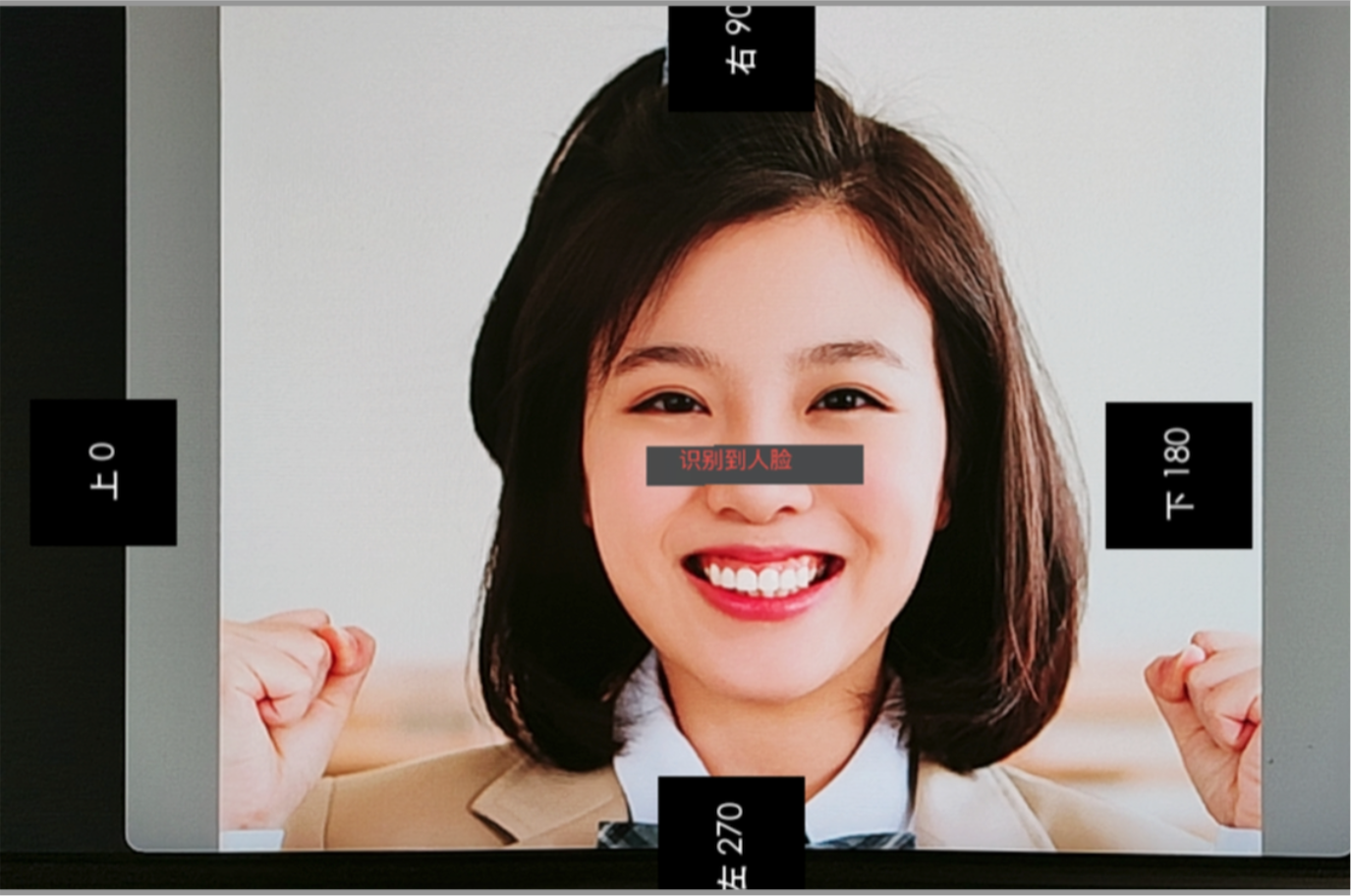
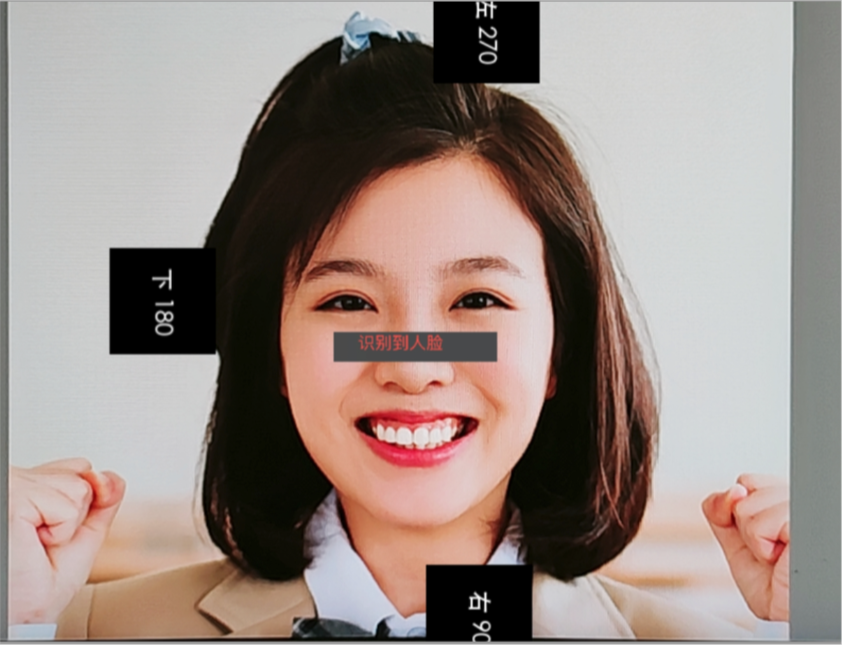
When applying beauty effects, set this sticker and adjust the angle using setImageOrientation. This angle corresponds to the direction displayed at the top of the person's head. The specific steps are as follows:
setImageOrientation 0
setImageOrientation 90
setImageOrientation 270
setImageOrientation 180
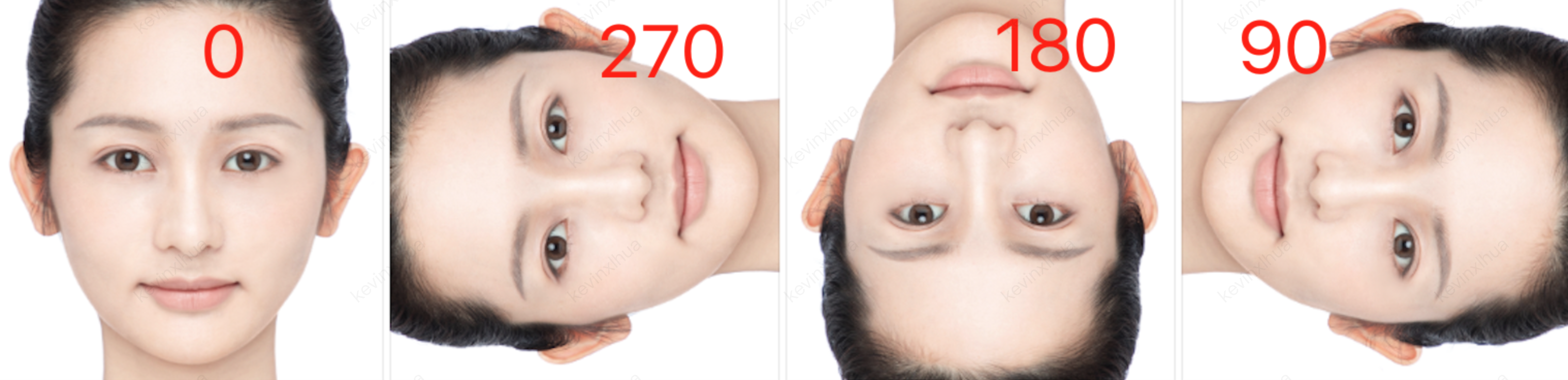
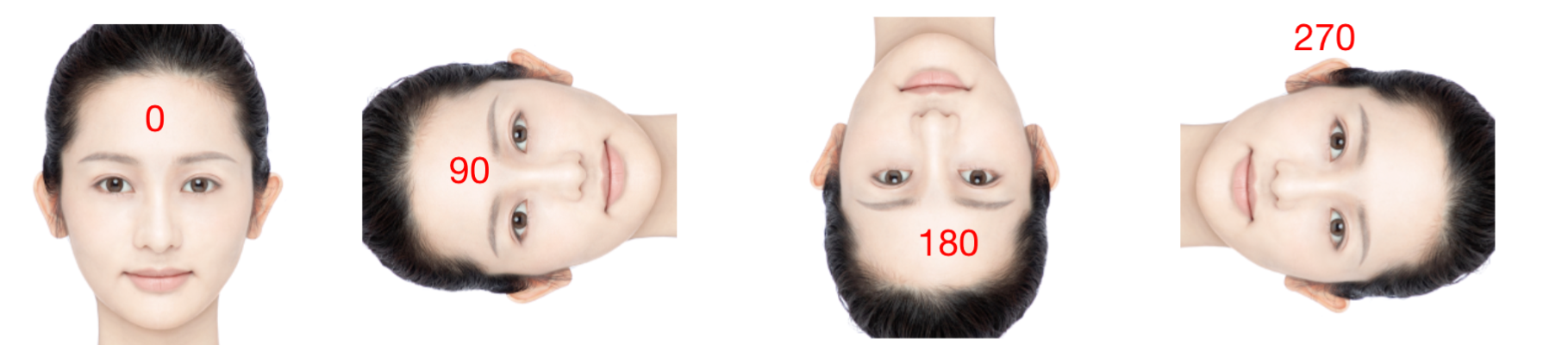
Method 2: You can add the following code to read the screen and then refer to the table below.
Android
iOS
1. In Android, you can use the readTexture method to retrieve the current screen, check the direction of the face, and set the corresponding angle according to the picture below.
2. Call the setImageOrientation method in Android.
1. In iOS, you can use the readTexture method to retrieve the current screen, check the direction of the face, and set the corresponding angle according to the picture below.