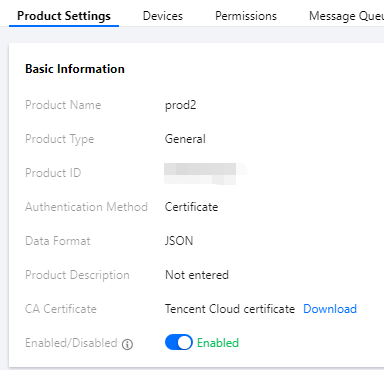
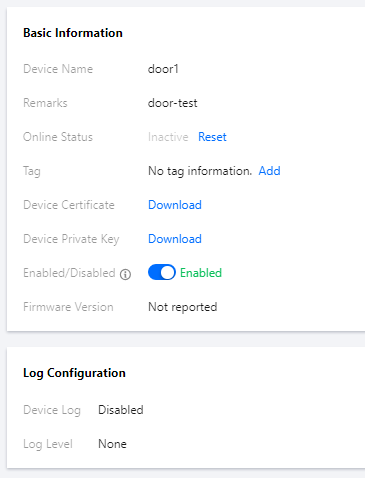
The IoT Hub platform supports device-level key authentication. In this mode, you need to burn different configuration firmware for each device. The platform will perform certificate authentication or key authentication according to your selection. After successful authentication, devices can establish a connection with the platform for data communication.
Flowchart
Device-level key authentication requires you to burn different firmware for each device. It incurs certain implementation costs in production applications, but it has higher security and is thus recommended.
3.2 Implement the HAL layer functions in the SDK for reading and writing product and device information, including ProductID, Devicename, and device certificate or key. For more information, please see SDK for C Connection Description.
3.3 Develop the device firmware based on the SDK according to your actual business needs so as to implement various features such as unique device ID reading, dynamic device registration, connection authentication, communication, and OTA.
3.4 In the production process, batch burn the developed and tested device firmware into the device.
4. The device uses the burned device-level certificate/key to establish a connection with the platform. After successful authentication, it will be activated and connected. At this time, it can exchange data with the cloud to implement business requirements.