This document describes how to view the task list in the TDSQL-C for MySQL console. In this way, you can stay up to date with the progress of operations on clusters and instances.
Task type
The task list contains tasks of the following types: cluster creation, cluster rollback, instance upgrade/downgrade, parameter modification, restart, manual backup, version upgrade, replica AZ adding/modification/deletion, AZ switch, binlog settings modification, database proxy creation/upgrade/disabling/connection pool configuration/node rebalancing/kernel minor version upgrade, and read/write separation configuration.
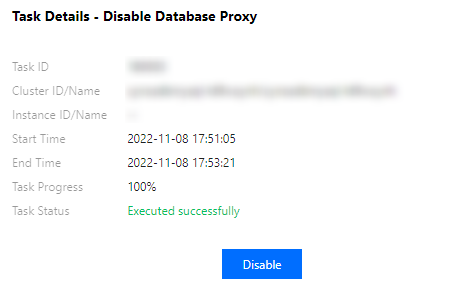
4. Directly find or search for the target task by keyword to view its details.
Searching by keyword
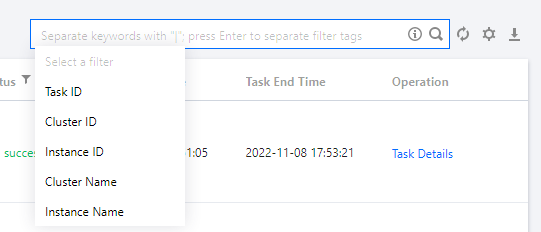
In the task list, you can search for the target task by task ID, cluster ID/name, and instance ID/name. Separate multiple keywords by vertical bar "|" and separate filter tags by carriage return.