Renaming Database Instance
Download
Focus Mode
Font Size
Note:
Renaming an instance does not change the private IP of the database or affect database connections.
After the instance is renamed, its project and network remain unchanged.
If an instance is in another task flow (such as upgrade or initialization), it cannot be renamed.
Directions
1. Log in to the TDSQL console, locate an instance in the instance list, and click the 

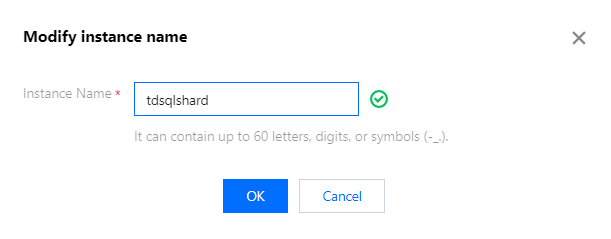
2. In the pop-up window, modify the instance name and click OK.
Note:
An instance cannot be renamed to an existing database instance name.
Help and Support
Was this page helpful?
You can also Contact sales or Submit a Ticket for help.
Help us improve! Rate your documentation experience in 5 mins.
Feedback