Viewing Audit Logs
Download
Focus Mode
Font Size
1. Log in to the CloudAudit Console.
2. In the left navigation pane, click Operation Record to go to the Operation Records page.
3. On the Operation Records page, you can obtain relevant operation record information by using various filter criteria, such as time, event name, operator, operation type (read/write), sensitive operation, resource Tag, resource name, key ID, request ID, and API error code. By default, only a subset of data is displayed.
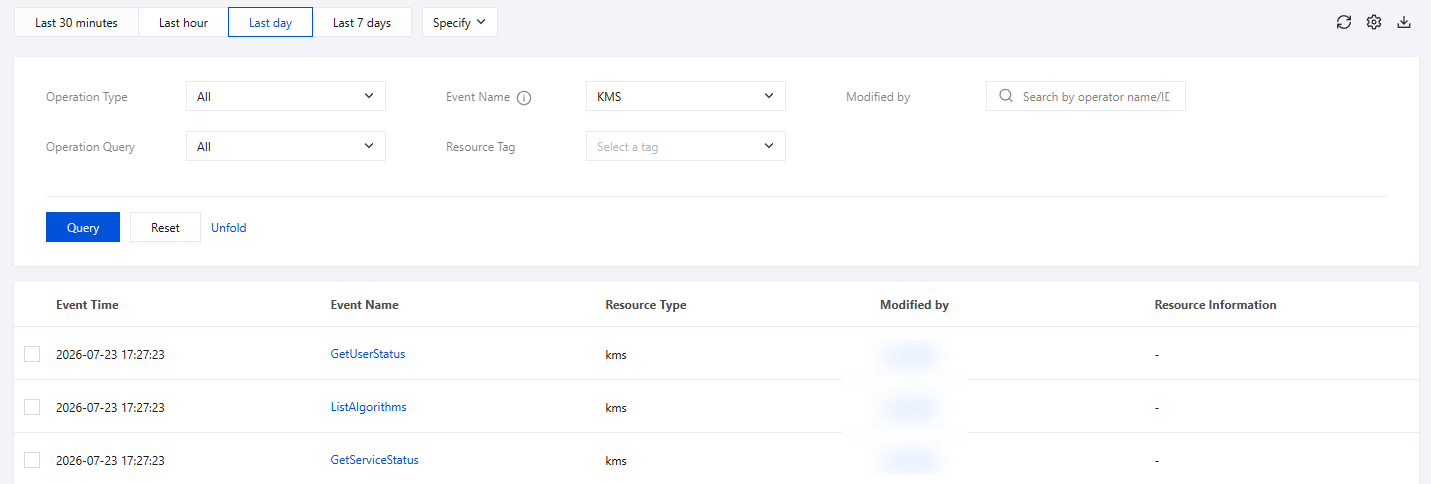
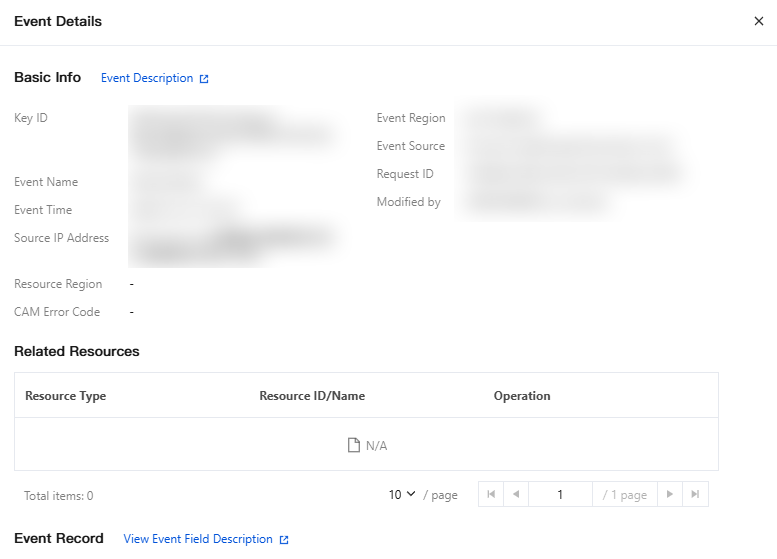
4. After the relevant operation record list is obtained, you can click Event Name to view the details of this operation record, which include information such as event time, username, event name, access key, and event ID. Click Event Description to learn more information about the event.
Help and Support
Was this page helpful?
You can also Contact sales or Submit a Ticket for help.
Help us improve! Rate your documentation experience in 5 mins.
Feedback